
How I Capture Urban Construction Sites With the DJI Inspire
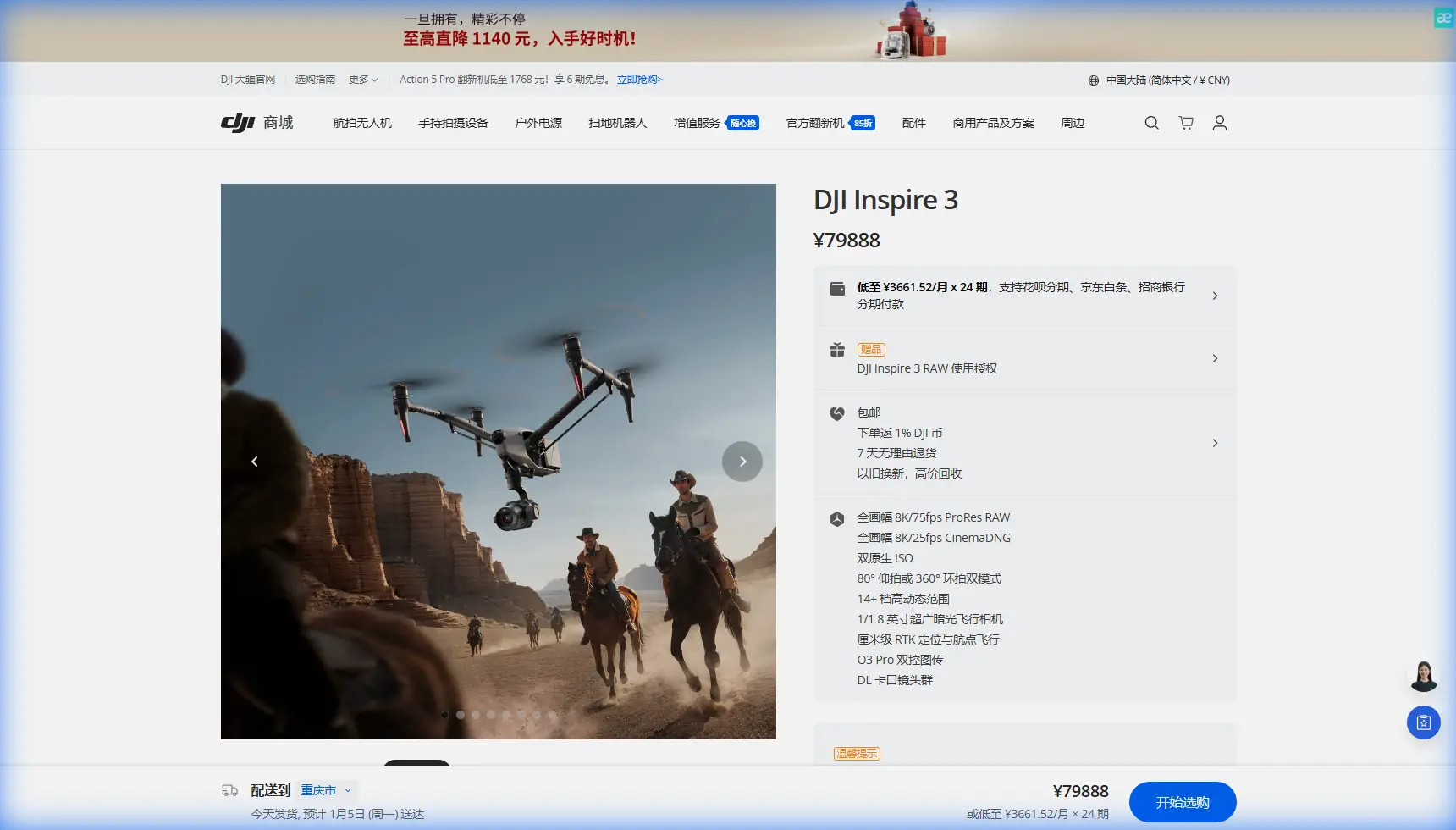
How I Capture Urban Construction Sites With the DJI Inspire 3
META: Expert how-to for using the DJI Inspire 3 on urban construction sites, including battery strategy, transmission planning, data security, and field workflow tips.
Urban construction work is unforgiving on an aircraft and even less forgiving on a pilot. You are dealing with glass, steel, cranes, RF congestion, narrow launch options, moving crews, and a client who usually wants both cinematic visuals and usable site intelligence from the same flight window. That is exactly where the DJI Inspire 3 earns its place.
I have used larger and smaller platforms for site documentation, progress reporting, and stakeholder visuals, but the Inspire 3 sits in a very specific sweet spot. It is fast to deploy, stable in wind relative to smaller camera drones, and built for operators who cannot waste time re-rigging a system every time a superintendent changes the schedule. For urban construction capture, that matters more than spec-sheet theater.
This is not a generic overview of the aircraft. This is how I would approach an actual city job with the Inspire 3 when the objective is clean, repeatable, high-value footage and map-friendly imagery without disrupting site operations.
Start with the mission, not the drone
Before I even unfold the Inspire 3, I define what the site team actually needs. On urban construction projects, “get some drone shots” is usually shorthand for three very different deliverables:
- progress imagery for weekly reporting
- marketing visuals for investors or leasing teams
- survey-supporting imagery for photogrammetry workflows
Those are not the same job.
If the output is progress reporting, I care about repeatability. I want the same camera heights, similar angles, and consistent capture times so changes are visible from week to week. If the output is marketing, I care more about light direction, vehicle flow, skyline composition, and whether tower cranes are in motion. If the output supports photogrammetry, I start thinking immediately about overlap, flight line discipline, oblique passes, and whether GCP placement is realistic on an active site.
The Inspire 3 is especially strong when a client wants two of those outcomes in one mobilization. It can handle cinematic acquisition while still fitting into a disciplined site documentation workflow. That flexibility is operationally significant because urban projects rarely give you unlimited access windows. You may only have a brief morning opening before lifts begin, concrete trucks queue up, or traffic patterns around the block make your launch zone unusable.
Urban site planning is mostly about constraints
A city construction site can break your plan long before the drone leaves the ground. Nearby façades create multipath interference. Cranes and temporary structures change line of sight. Wind accelerates around corners and roof edges. Pedestrian exclusion zones may be tiny. You are often operating in visually cluttered airspace where maintaining orientation matters.
This is one reason I value the Inspire 3’s O3 transmission system in urban environments. Strong transmission is not just about convenience or video quality on the controller. In practical terms, it helps preserve confidence and decision-making when you are working around RF noise and partial obstructions. In dense downtown conditions, transmission resilience can be the difference between finishing the planned orbit and cutting the sortie short because the link quality is becoming questionable.
That has direct safety and productivity implications. When I am flying along a building edge or setting up a reveal that tracks structural progress from lower floors to upper steel, I do not want to guess what the aircraft is seeing. I want stable control feedback, low-latency situational awareness, and enough confidence to focus on framing rather than wrestling the link.
If your operation has any future path toward extended corridor work or other advanced operating scenarios, this also ties into broader BVLOS thinking. I am not suggesting casual beyond-visual-line-of-sight use in a city. Far from it. But it is worth building procedures around aircraft, telemetry, and data handling that can scale into more formalized advanced operations later. The Inspire 3 fits well into that kind of professional maturity.
My field battery rule: land earlier than you think you need to
Here is the battery management tip I give almost every new operator who comes from smaller prosumer drones: do not fly the Inspire 3 like you are trying to squeeze every last minute from a pack.
On paper, operators always want “maximum flight time.” On an urban construction site, that mindset causes sloppy decisions. You stay up too long, the wind shifts between towers, your reserve shrinks during a reposition, and suddenly a straightforward shot list becomes a rushed recovery.
The Inspire 3’s hot-swap batteries are one of its most useful field advantages, and not because they let you stay airborne forever. They matter because they remove the psychological pressure to overextend a sortie. If your packs are managed well, you can land while everything is still comfortable, change batteries efficiently, and get back up without rebuilding the whole operation.
My practical habit is simple: I structure flights around tasks, not battery percentages. One flight for high establishing passes. One for directional orbit work. One for closer façade or crane-context shots if the airspace and site controls allow it. On mapping-oriented days, I split by grid segment or elevation band. That sounds conservative, but it produces cleaner data and better footage.
A field detail that saves headaches: in cooler morning conditions, especially on rooftops or winter concrete decks, I keep battery rotation disciplined and avoid letting packs sit exposed while the crew debates the next shot. Temperature swings and idle time can create inconsistency you feel later in flight performance. Hot-swap capability helps here because the aircraft can stay mission-ready while your battery handling stays organized instead of frantic.
Separate cinematic capture from photogrammetry discipline
The biggest mistake I see on construction jobs is trying to use one improvised flight style for everything. A beautiful low-angle tracking move is not survey data. A high-overlap mapping pass is not a compelling investor visual. The Inspire 3 can support both types of work, but only if you keep the workflows separate in your head.
For photogrammetry, consistency is king. If you are building models from imagery, think about overlap, angle control, sun position, reflective surfaces, and moving objects. Urban construction adds challenges such as repeating steel geometry, shiny curtain wall materials, and temporary site changes that can confuse alignment. This is where GCP strategy becomes operationally significant. Good ground control points can stabilize a dataset and improve confidence in deliverables, especially on sites where geometry changes fast and GPS conditions may be less than ideal near tall structures.
If the site team wants measurable outputs, do not casually skip that planning step. GCP placement on an active site requires coordination with field supervisors and safety leads. You need targets that remain visible, accessible, and undisturbed long enough to matter. Done correctly, this can turn a nice-looking model into something a project team actually trusts.
For cinematic capture, the Inspire 3 gives you room to think like a storyteller. You can work the site in layers: broad context first, then structural milestones, then close details showing logistics, complexity, or craftsmanship. In an urban environment, I like to capture the relationship between the project and its surroundings. That could mean framing a tower against neighboring buildings, showing how street-level staging feeds upper-floor progress, or using traffic flow to emphasize the site’s footprint in the city.
The point is not to chase dramatic movement for its own sake. It is to show the project clearly, with intention.
Security is not a footnote on construction jobs
Construction clients do not always mention data security until very late in the conversation. They should mention it earlier. Sensitive developments, infrastructure-adjacent projects, and high-profile urban sites often have legitimate concerns about imagery handling, site access, and transmission security.
That is why features like AES-256 matter in the real world. For many operators, encryption sounds abstract until a client asks where the footage goes, who can view transmission feeds, and how site data is protected during capture. On urban jobs involving restricted access or confidential build phases, secure transmission and careful media handling are not technical trivia. They are part of professional credibility.
Operationally, I treat this as a workflow issue, not just a checkbox. Define who receives media. Control how cards are handled in the field. Keep logs of flight windows and deliverables. If the site is sensitive, do not leave live views casually visible to everyone standing around the launch area. The Inspire 3 is a premium production platform, but on construction work it is also part of a chain of custody for visual information.
What about thermal signature work?
The phrase “thermal signature” comes up often in construction and inspection discussions, but it needs context with the Inspire 3. If the site team is asking about heat loss, moisture intrusion, electrical irregularities, or envelope performance, that is a different mission set than standard visible-light capture. You need to frame expectations correctly.
For a construction operator, the more useful insight is this: thermal-related requests often surface after you have already become the trusted aerial resource on a project. The Inspire 3 excels at premium visual acquisition, progress storytelling, and structured site imagery, but thermal tasks require the right payload strategy and a separate operational methodology. Treating thermal as an afterthought creates bad data and bad client expectations.
Still, there is crossover value. High-quality visible-light documentation from the Inspire 3 can help contextualize where a thermal issue appears in the broader site layout. If the client’s workflow involves multiple aerial datasets, your Inspire 3 flights can provide the visual framework that makes specialized inspection outputs easier to interpret.
My preferred urban construction capture sequence
When the site window is tight, sequence matters. This is the workflow I use most often.
First, I capture wide establishing shots while the light is still favorable and site activity is building. These frames show context: surrounding blocks, crane positions, material staging, access routes, and current structural status.
Next, I move into medium-altitude passes that reveal progress more directly. I want clear visibility on floor plates, façade installation, steel erection, deck pours, or whatever the current milestone happens to be. This is usually where the project team finds the most reporting value.
After that, if conditions allow, I collect the more creative shots. Slow reveals, angled tracking moves, and skyline-relative compositions can all be done here. By delaying these until the core documentation is secured, I avoid wasting the best battery state and attention span on shots that are nice to have rather than essential.
If a mapping deliverable is required, I either run that as a fully separate mission or I do it first, before any creative work distracts the team. Mixing those mindsets in the same sortie is where shortcuts begin.
And if the project manager wants a fast decision on whether the flight window looks viable, I prefer to settle that before mobilization day through a quick planning exchange like message us here.
Small details that make a big difference on site
Urban construction jobs reward discipline. A few habits consistently improve outcomes with the Inspire 3:
- Launch from a location with a clean recovery path, not just the most convenient open space.
- Brief the site contact on your flight path in plain language so they can keep key areas clear.
- Watch cranes constantly, even if they are supposed to be static.
- Reconfirm return-to-home logic relative to current obstructions, not last week’s site layout.
- Capture one or two reference frames from the same position every visit for progress comparison.
- Keep battery swaps methodical and documented when multiple sorties are planned.
That last point sounds mundane, but on a busy site, battery handling is where fatigue and confusion start to leak into the operation. When you are under pressure, a tidy battery process is a safety tool.
Why the Inspire 3 works so well for this niche
The Inspire 3 is not merely a high-end camera drone dropped onto a jobsite. It is a platform that matches the tempo of professional field work. The hot-swap battery design reduces downtime between planned sorties. O3 transmission supports confident operations in congested urban environments. AES-256 speaks directly to the reality of sensitive site capture. And the aircraft’s overall capability lets one operator support both polished visuals and structured documentation in the same deployment.
That combination is what makes it especially effective for urban construction. Not just image quality. Not just prestige. Workflow.
If you are capturing a city site with the Inspire 3, the real skill is not flying aggressively or chasing the fanciest movement. It is building a repeatable system that survives the unpredictability of the environment while still delivering footage and imagery the client can actually use.
That is the difference between a drone flight and a professional construction capture operation.
Ready for your own Inspire 3? Contact our team for expert consultation.