
Inspire 3 Delivering Tips for Wildlife in Extreme Temperatur
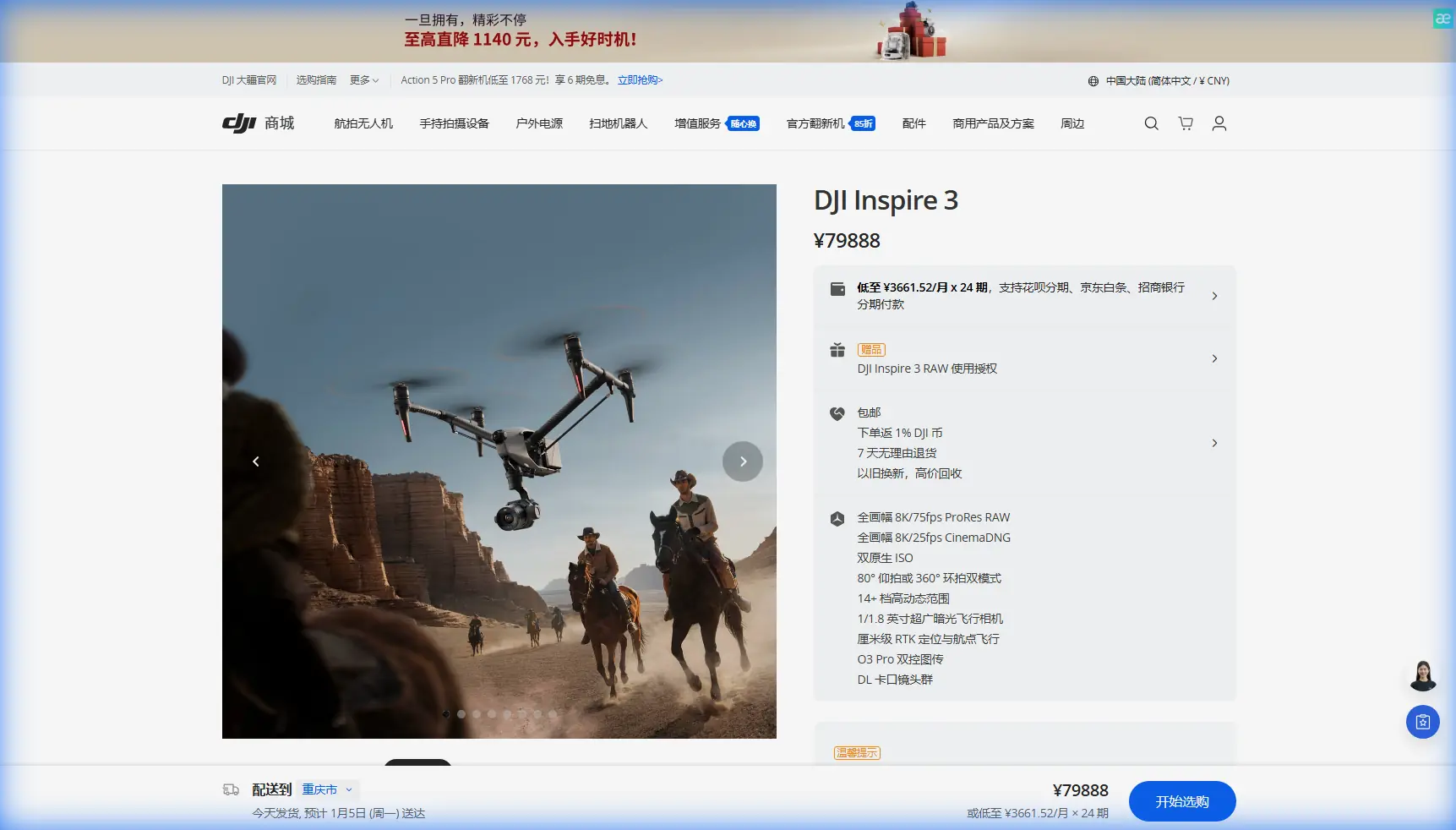
Inspire 3 Delivering Tips for Wildlife in Extreme Temperatures
META: Practical Inspire 3 field guidance for wildlife support missions in extreme heat and cold, covering battery strategy, antenna positioning, transmission reliability, thermal workflow, and maintenance logic.
When people discuss the Inspire 3, they usually jump straight to image quality, speed, or cinema credentials. That misses what matters in the field. In wildlife work—especially when you are operating around fragile habitats in punishing temperatures—the aircraft is only as useful as the system around it: transmission discipline, power handling, preflight logic, and maintenance habits that prevent a bad day from turning into a lost mission.
I approach the Inspire 3 less like a showcase aircraft and more like a working platform. That mindset becomes critical when the task involves supporting wildlife teams in heat, snow, high wind chill, or desert dryness. Extreme temperatures magnify small weaknesses. A casual battery routine becomes a shortened sortie. Poor antenna placement becomes a dropped link at the exact moment the aircraft is over a sensitive zone. Neglected maintenance becomes unpredictable downtime right when your team needs repeatable deployment.
This guide focuses on those field realities.
Start with the mission, not the aircraft
“Delivering for wildlife” can mean several civilian scenarios: moving lightweight medical payloads to remote researchers, conducting thermal overwatch for animal location, documenting habitat conditions, or generating photogrammetry outputs for terrain planning and access routes. Even if your Inspire 3 is not a heavy logistics platform, it still plays a central role in reconnaissance, route validation, thermal signature identification, and safe positioning before any human team moves in.
That distinction matters because extreme temperature operations punish rushed assumptions. In hot environments, electronics run closer to their thermal limits and air density changes aircraft behavior. In cold environments, battery chemistry and contact reliability become the first weak links. If your workflow is built around “we’ll figure it out on site,” the site usually wins.
Battery discipline: think in cycles, not in flights
One of the most useful maintenance ideas from conventional aircraft practice is the concept of spreading inspection tasks across planned intervals instead of waiting for a major stoppage. In one referenced aviation maintenance model, a Boeing 737-320 used a P-inspection cycle every 125 flight hours, with larger milestones layered on top, including a mid-inspection at 10,000 flight hours or 4 years, whichever came first. The operational significance is simple: you do not dump all risk into one giant maintenance event. You divide the workload, catch drift early, and keep the aircraft available.
That logic translates surprisingly well to Inspire 3 wildlife work.
Do not treat batteries as anonymous consumables. Build a structured inspection rhythm. After every set number of flights, document:
- cold-start behavior
- charging irregularities
- cell imbalance trends
- connector cleanliness
- latch confidence
- time-to-voltage-drop under load
- battery temperature before takeoff and after landing
In cold weather, this is non-negotiable. A battery that looks fine in staging can sag badly once airborne if it was not conditioned properly. In heat, the risk flips: batteries may launch hot, charge hot, and degrade faster if rotated aggressively without cooling intervals.
Hot-swap batteries are a real advantage on the Inspire 3, but only if your ground workflow is organized. Hot-swapping is not just about reducing turnaround time. In wildlife operations, shorter ground exposure can also mean less disturbance around animals and less crew fatigue in extreme conditions. The mistake is assuming hot-swap equals “fast no matter what.” In reality, successful hot-swap use depends on:
- clearly labeled battery pairs
- a warming or cooling protocol before insertion
- immediate post-flight logging
- shelter from dust, snow, or blowing sand during the exchange
If you skip any of those, the benefit disappears.
Extreme heat changes how you plan route geometry
In desert or savanna environments, wildlife teams often focus on line of sight and overlook thermal accumulation. The Inspire 3 may be fully capable, but repeated hovering over reflective rock, dry riverbeds, or baked soil can increase system stress and reduce margin. For delivery support or observation work, avoid designing sorties that rely on long stationary holds in the hottest part of the day unless the data absolutely requires it.
Instead:
- use moving observation patterns rather than prolonged hover boxes
- plan shorter leg segments with recovery points
- perform critical thermal signature passes earlier or later in the day
- reserve the longest-range flights for periods with the most stable air
This is also where O3 transmission reliability becomes less about marketing spec and more about planning tolerance. If the mission depends on stable visual feedback near terrain clutter or across shimmering heat, you need to preserve link quality proactively rather than react when the image starts to break up.
Antenna positioning advice for maximum range
This is one of the most under-taught parts of field operations.
For the Inspire 3, maximum practical range and link stability are often limited by operator body position, terrain masking, and poor antenna orientation rather than the transmission system itself. If you are working with O3 transmission in open wildlife terrain, follow these habits:
1. Do not point antenna tips directly at the aircraft
The strongest part of many controller antenna radiation patterns is not at the tip. New operators often “aim” the ends of the antennas like a flashlight beam. That usually reduces signal quality. Instead, orient the antenna faces so the broadside of the pattern is presented toward the aircraft’s position.
2. Elevate the control position when possible
A slight rise matters. Even a small ridge, vehicle roof platform, or safe hill shoulder can reduce low-level masking from brush, grasses, shallow depressions, and uneven terrain. In wildlife reserves, ground clutter is often the real transmission enemy.
3. Keep your own body out of the link path
If the aircraft is off your right shoulder and your controller is centered against your torso, your body may partially absorb or block signal energy. Rotate your whole stance to face the aircraft. Small adjustment, big payoff.
4. Avoid standing beside large metal objects
Support vehicles, steel fencing, and equipment cases can create reflections or local interference effects. Step a few meters clear before launch if you want your signal baseline to be clean.
5. Reposition before the link is poor
If your route carries the aircraft behind a tree line, ridge edge, or research outpost structure, move the pilot station early. The best time to protect range is before degradation begins.
This matters operationally because wildlife support flights often run over visually deceptive terrain. Open plains are simple. Mixed scrub, ravines, and snow berms are not. A perfect aircraft can still lose usable link quality if the pilot station is poorly placed.
If your team is building a longer-range field workflow and wants help tuning controller layout, relay placement, or operational spacing, you can message the field support desk here: speak with a drone specialist.
Thermal signature work in extreme conditions
Thermal signature interpretation gets harder, not easier, in severe environments.
In cold conditions, warm-bodied animals may stand out sharply at dawn, but solar gain later in the day can flatten contrast across rocks, branches, and exposed terrain. In high heat, everything radiates. Ground surfaces can remain thermally active long after peak sun, reducing target separation.
So the Inspire 3 workflow should not be “launch thermal and search.” It should be:
- define your target contrast window
- understand how local surfaces store and release heat
- fly repeatable lanes
- cross-check suspicious signatures with visible imagery and movement cues
- log environmental conditions for interpretation context
This is especially relevant for wildlife support because false positives waste battery, crew time, and daylight. If you are also creating photogrammetry outputs, use those maps to improve your thermal plan. Elevation changes, animal corridors, water edges, and shade patterns can all help you choose cleaner search geometry.
Photogrammetry, GCPs, and route confidence
A lot of field teams underestimate how useful mapping support can be before delivery or monitoring operations begin. If you are using the Inspire 3 to build situational awareness, a well-run photogrammetry mission can identify safer approach paths, soft ground, flood cuts, hidden fencing, and habitat boundaries that should not be crossed on foot or by vehicle.
Ground control points, or GCPs, still matter when precision matters. In wildlife operations, they help anchor your map products so route planning is trustworthy, not merely attractive. That is operationally significant when your output is guiding supply drops to researchers, planning access around nesting zones, or documenting change after weather extremes.
The point is not that every mission requires a full survey workflow. The point is that the Inspire 3 becomes more valuable when its imaging output informs the next operational decision instead of ending as standalone footage.
Reliability depends on electrical thinking, not just flying skill
Another reference detail from aircraft electrical design is highly relevant here: component selection must account not only for steady-state operation, but also for switching moments, transient states, and timing differences between contacts. The source even highlights that relay pull-in and release timing can shape circuit behavior during transition, not just during normal operation.
Why does that matter for an Inspire 3 field team? Because extreme environments expose transition problems first.
Powering up from a cold case. Swapping batteries in blowing dust. Reconnecting displays. Cycling peripheral systems. Restarting after a forced hold. These are all transition moments. The lesson from larger aircraft systems is that the dangerous part is often not the stable cruise condition. It is the changeover.
Apply that lesson by tightening your electrical routine:
- inspect connector surfaces before every battery insertion
- avoid rushed power cycling after a warning state
- keep accessories grouped by known voltage compatibility
- isolate questionable cables immediately
- do not improvise mixed-power workarounds in the field
The source also stresses that load type matters when selecting electrical control devices; if the load nature is unspecified, it should be treated conservatively. For Inspire 3 operations, the broader takeaway is to assume less margin, not more, whenever an accessory or field charging setup is ambiguous. That mindset prevents small electrical issues from cascading into lost flights.
Build your own “P-check” mindset for the Inspire 3
The best field operators I know are not the ones with the most dramatic footage. They are the ones whose aircraft are ready again tomorrow.
Borrow the maintenance logic behind staged inspection systems. Instead of waiting for obvious wear, create repeatable service layers:
- every flight: propellers, battery fit, gimbal lock logic, lens cleanliness, antenna condition
- every 10 to 20 flights: deeper connector inspection, firmware review, case contamination cleanup, fan vent check
- every major mission block: image consistency test, controller response check, battery trend comparison, thermal and visible calibration validation
- seasonally: review operating assumptions for heat, cold, moisture, and transport stress
The aviation reference described a system in which numerous smaller checks were completed before a larger event—80 P-check tasks before a mid-inspection in one example. That principle is exactly why professional drone programs stay reliable. Regular small interventions preserve uptime better than heroic last-minute troubleshooting.
Transmission security and field data handling
For wildlife teams working with location-sensitive species, transmission and data handling are not abstract IT concerns. They are part of operational ethics. If your workflow uses AES-256-capable systems and controlled storage practices, treat that as standard discipline. Sensitive nesting sites, migration bottlenecks, or research coordinates should not be casually exposed through weak handling.
Security matters most when teams are tired, cold, hot, or rushed. That is when shortcuts appear. Build the secure workflow before the hard mission day.
Final field advice
The Inspire 3 can perform beautifully in extreme environments, but wildlife support work rewards restraint more than bravado. Fly when the thermal window is right. Place the pilot station with intention. Rotate batteries with documented discipline. Use mapping to improve access and reduce disturbance. Treat every transition—power, weather, terrain, signal—as a point where reliability is won or lost.
If you remember one thing, make it this: range, endurance, and image quality are not fixed traits. In the field, they are outcomes of preparation.
Ready for your own Inspire 3? Contact our team for expert consultation.