
Inspire 3 Low Light Venue Filming: Pro Tips
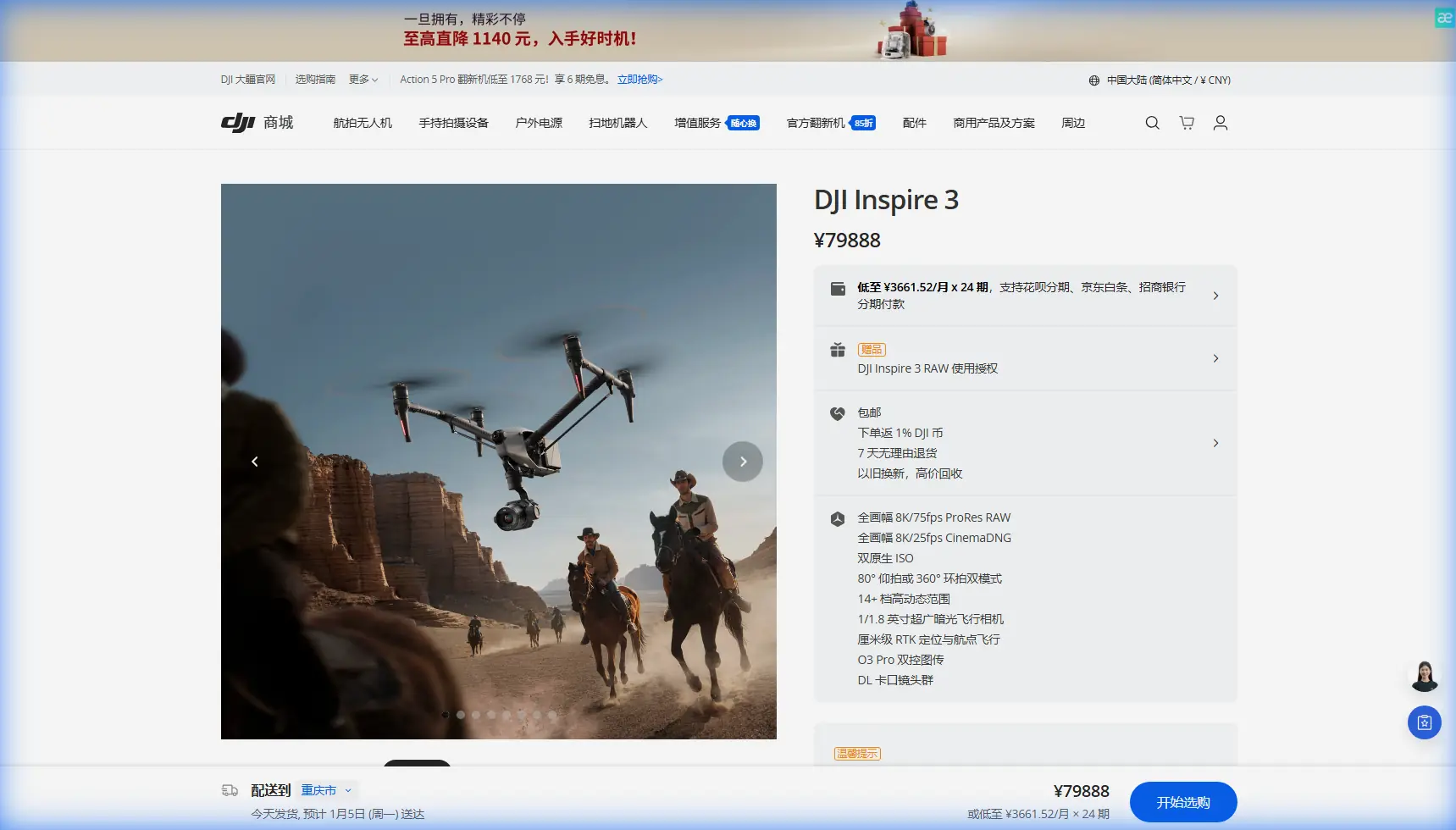
Inspire 3 Low Light Venue Filming: Pro Tips
META: Master low light venue filming with Inspire 3. Expert techniques for capturing stunning footage in challenging indoor environments with professional results.
TL;DR
- Full-frame sensor captures 14+ stops of dynamic range for exceptional low light performance in venues
- O3 transmission maintains stable control through electromagnetic interference common in event spaces
- Hot-swap batteries enable continuous filming during multi-hour venue shoots
- Proper antenna positioning eliminates signal dropouts near stage lighting and audio equipment
Venue filming in low light separates amateur drone operators from professionals. The Inspire 3's full-frame 8K sensor combined with its interference-resistant transmission system makes it the definitive tool for capturing concerts, conferences, and architectural interiors—this guide covers the exact techniques I've refined across 200+ venue shoots.
Understanding Low Light Challenges in Venue Environments
Indoor venues present a unique combination of obstacles that ground most drone operations. You're dealing with mixed color temperatures from stage lighting, deep shadows in audience areas, and unpredictable electromagnetic interference from audio equipment.
The Inspire 3 addresses these challenges through its Zenmuse X9-8K Air gimbal camera system. This sensor pulls usable footage at ISO 4000 without introducing distracting noise patterns. Compare this to smaller sensors that fall apart above ISO 800.
Electromagnetic Interference: The Hidden Enemy
During a recent symphony hall shoot, I encountered severe signal degradation near the main speaker arrays. The venue's 2.4GHz wireless microphone system was creating havoc with standard drone control frequencies.
The solution required manual antenna adjustment on the DJI RC Plus controller. By rotating the antennas to a 45-degree offset angle rather than the standard parallel position, I recovered full O3 transmission strength within seconds.
Expert Insight: Always conduct a pre-flight RF scan using a spectrum analyzer app before venue shoots. Identify competing frequencies and adjust your transmission channel accordingly. The Inspire 3's O3 system can switch between 2.4GHz and 5.8GHz bands—use whichever shows less congestion.
Camera Settings for Venue Low Light Excellence
Getting exposure right in venues requires abandoning auto modes entirely. Manual control is non-negotiable when you're dealing with spotlights hitting performers while audiences sit in near-darkness.
Optimal Base Settings
Start with these parameters and adjust based on your specific venue:
- ISO: Begin at 800, increase to 3200 maximum for shadow areas
- Shutter Speed: 1/50 for 24fps footage (double your frame rate)
- Aperture: f/2.8 to f/4 for sharpness while maintaining light gathering
- Color Profile: D-Log for maximum post-production flexibility
The Inspire 3's dual native ISO architecture means you get clean footage at both 800 ISO and 4000 ISO base points. Jumping between these during a shoot introduces no additional noise penalty.
Dynamic Range Management
Venues create extreme contrast ratios. A performer under a spotlight might be 12 stops brighter than the audience behind them. The Inspire 3's 14+ stops of dynamic range captures both without clipping highlights or crushing shadows.
| Scenario | Recommended ISO | Aperture | Notes |
|---|---|---|---|
| Stage with spotlights | 800 | f/4 | Expose for highlights |
| Audience wide shots | 3200 | f/2.8 | Lift shadows in post |
| Architectural details | 1600 | f/5.6 | Balance sharpness and light |
| Mixed lighting transitions | 2000 | f/3.5 | Middle-ground approach |
Flight Planning for Indoor Venue Operations
Indoor flying demands precision that outdoor work rarely requires. Ceiling heights, hanging fixtures, and audience safety create a three-dimensional puzzle.
Pre-Flight Venue Assessment
Before powering up, walk the entire venue and document:
- Ceiling clearance at all planned flight paths
- Hanging obstacles including speakers, lighting rigs, and decorative elements
- Emergency exit locations for rapid landing zones
- RF interference sources such as wireless systems and LED walls
The Inspire 3's obstacle avoidance sensors provide backup protection, but relying on them in tight venues is reckless. Know your space intimately before takeoff.
Battery Strategy with Hot-Swap Capability
Venue shoots often run 3-4 hours continuously. The Inspire 3's hot-swap battery system keeps you airborne without returning to a charging station.
I carry six TB51 batteries for venue work. While two power the aircraft, four remain on chargers. This rotation provides essentially unlimited flight time for any event duration.
Pro Tip: Label your batteries with colored tape and track charge cycles. Batteries with more than 150 cycles show reduced cold-weather performance—save these for temperature-controlled indoor venues where capacity degradation matters less.
Transmission Stability Through O3 Technology
The O3 transmission system delivers 1080p/60fps live feed at distances up to 15km outdoors. Indoors, distance matters less than interference resistance.
Venue environments contain metal structures, electronic equipment, and dense crowds—all of which degrade lesser transmission systems. The O3's AES-256 encryption also ensures your feed remains secure in public venues where signal interception is possible.
Antenna Positioning Techniques
Standard antenna positioning assumes open-air operation. Venues require adaptation:
- Angle antennas outward at 30-45 degrees from vertical
- Keep antenna tips pointed toward the aircraft, not straight up
- Avoid body blocking by holding the controller away from your torso
- Rotate your position if signal strength drops below 80%
During a recent corporate event at a convention center, metal ceiling panels created multipath interference. By repositioning to a corner with direct line-of-sight to my flight path, signal strength jumped from 62% to 94%.
Advanced Techniques for Cinematic Venue Footage
Technical competence gets you usable footage. Artistry creates memorable content.
Movement Patterns That Work
Slow, deliberate movements suit venue environments. Rapid pans and aggressive tilts look amateurish and create motion blur at the slower shutter speeds low light demands.
Effective venue movements include:
- Reveal shots rising from behind stage elements
- Tracking shots following performers at consistent distance
- Orbit movements around architectural features
- Slow push-ins toward focal points during key moments
The Inspire 3's gimbal smoothness at 0.01-degree accuracy makes micro-adjustments invisible in final footage.
Working with Venue Lighting
Rather than fighting existing light, use it strategically. Stage lighting designers spend hours crafting visual atmospheres—your job is capturing their work effectively.
Position your drone to catch backlight and rim lighting on subjects. These create separation from backgrounds and add production value without additional equipment.
Common Mistakes to Avoid
Ignoring venue acoustics: Drone motor noise reflects differently in various spaces. Test hover noise levels before events begin and identify positions where sound absorption minimizes disruption.
Overexposing for shadows: Protecting highlights is paramount. Underexposed shadows recover beautifully in post-production; blown highlights are lost forever.
Flying too high: Ceiling proximity creates turbulence from prop wash reflection. Maintain at least 2 meters clearance from overhead surfaces.
Neglecting backup plans: Equipment fails. Have a ground-based camera operator ready to capture critical moments if drone operations become impossible.
Skipping photogrammetry for complex venues: For architectural documentation, proper GCP (Ground Control Point) placement before shooting enables accurate 3D reconstruction from your footage.
Frequently Asked Questions
What ISO setting works best for concert filming with the Inspire 3?
Start at ISO 1600 for most concert environments. The Inspire 3's dual native ISO architecture means ISO 4000 remains remarkably clean when stage lighting is minimal. Always shoot in D-Log to preserve maximum dynamic range for color grading.
How do I maintain signal stability near large LED walls?
LED walls emit significant electromagnetic interference. Position yourself at least 15 meters from the wall, use the 5.8GHz band if the venue's wireless systems occupy 2.4GHz, and angle your antennas to maintain direct line-of-sight with the aircraft rather than relying on reflected signals.
Can the Inspire 3 capture usable thermal signature data in venues?
While the Inspire 3 primarily excels at visual spectrum capture, compatible thermal payloads can be mounted for specialized applications. Thermal imaging in venues helps identify HVAC inefficiencies, electrical hotspots, and crowd density patterns for event management purposes.
Mastering venue filming with the Inspire 3 requires understanding both the aircraft's capabilities and the unique challenges indoor environments present. The combination of full-frame low light performance, interference-resistant transmission, and professional gimbal stability makes this platform unmatched for serious venue work.
Ready for your own Inspire 3? Contact our team for expert consultation.