
Inspecting Remote Venues With the DJI Inspire 3
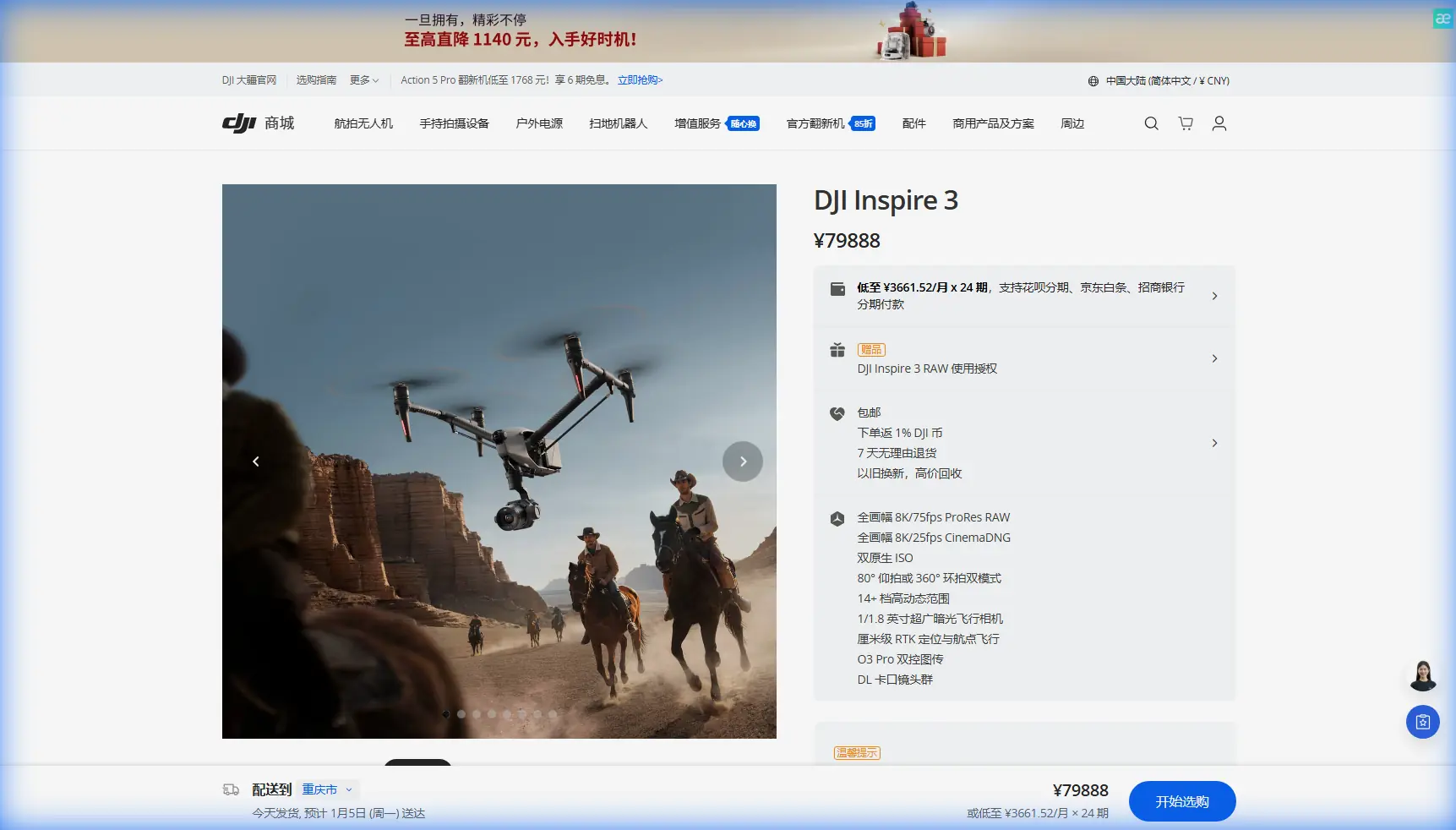
Inspecting Remote Venues With the DJI Inspire 3: A Field Tutorial From Setup to Weather Shift
META: Expert tutorial on using the DJI Inspire 3 for remote venue inspection, covering flight planning, O3 transmission, hot-swap batteries, photogrammetry workflow, and weather management.
Remote venue inspection sounds straightforward until you are the one standing in patchy wind with a narrow launch area, a client waiting on structural answers, and a weather front that was not on the morning forecast.
That is where the DJI Inspire 3 starts to show its value. Not as a luxury aircraft, and not as a spec-sheet trophy, but as a working platform for visual inspection and site documentation when the venue is far from support infrastructure and conditions can change in the middle of the job.
I have used larger aircraft, smaller aircraft, and purpose-built mapping drones. The Inspire 3 occupies an unusual space. It is not the first machine most people think of for inspection work, yet in the right hands it can handle detailed venue assessment, cinematic-style structural review, and photogrammetry support in a single deployment. For remote sites, that flexibility matters more than people admit.
This tutorial is built for a practical scenario: inspecting a remote venue where access is limited, weather may shift mid-flight, and the output needs to serve more than one purpose. You may need stills for engineering review, smooth visual passes for stakeholders, and a usable dataset for a 3D reconstruction tied to GCPs. The Inspire 3 can support that workflow if you prepare correctly.
Why the Inspire 3 makes sense for remote venue inspection
The core strength of the Inspire 3 is not just image quality. It is the combination of flight stability, transmission reliability, and operational continuity.
For remote inspections, continuity is a bigger deal than many pilots realize. A venue can be hours from your charging point, cell coverage may be inconsistent, and the client often expects one visit to produce everything. The Inspire 3’s hot-swap battery design helps here because it reduces downtime between flights. Instead of powering down and rebuilding momentum every time you need fresh packs, you can keep the operation moving. In the field, that means less time exposing equipment to dust or moisture and more time gathering useful data while weather windows are still open.
Transmission is the second major advantage. O3 transmission gives the pilot and camera operator a stronger basis for maintaining situational awareness across a spread-out venue. For inspection, that is not just about range. It is about reading details in real time, checking edge conditions around roofs or facades, and making quick decisions before the aircraft has moved on from the subject area. In a remote venue with terrain breaks or irregular structures, dependable downlink quality can save a repeat pass.
There is also a data-security angle. When you are inspecting private event spaces, campuses, remote lodges, or industrial-adjacent venues, handling visual data responsibly matters. AES-256 encryption on transmission is operationally meaningful because it supports a more secure workflow when the footage includes infrastructure layouts, access roads, rooftop equipment, or temporary installations that the site owner does not want casually exposed.
Start with the mission, not the aircraft
A good Inspire 3 inspection begins before the first battery goes in.
Ask three questions:
- What decisions will this inspection support?
- What output format will the client actually use?
- What weather changes are plausible during the flight window?
For remote venues, I divide the mission into three capture layers.
Layer one: broad situational overview.
This is your establishing pass. You are documenting access points, parking areas, perimeter fencing, roof conditions, drainage paths, and surrounding terrain. Fly this first because it gives the team a visual reference before you move into tighter work.
Layer two: targeted inspection passes.
These flights focus on problem areas: damaged roofing, weathered cladding, mounted lighting rigs, seating structures, drainage channels, elevated signage, or temporary event infrastructure. The Inspire 3’s flight precision is useful here because stable framing is not just aesthetically pleasing; it helps reviewers compare conditions across multiple clips and stills.
Layer three: photogrammetry-support imagery.
Even if the Inspire 3 is not your primary mapping aircraft, it can still contribute to site modeling when the venue needs a detailed visual reconstruction. This matters for renovation planning, access redesign, event layout validation, or post-weather condition assessment.
If photogrammetry is part of the job, set your GCP plan before takeoff. Ground Control Points are what turn a visually impressive model into one that is actually useful for measurements and repeatable comparisons. At remote venues, it is tempting to skip them to save time. That usually creates more work later. A clean GCP layout improves alignment and lets you compare the site against prior or future surveys with much more confidence.
Pre-flight checklist for a remote venue job
Here is the workflow I recommend.
1. Inspect the launch and recovery zone
Remote venues often force compromises. You may be launching from gravel, compacted soil, a service road, or a small cleared patch near structures. Walk the area. Check rotor clearance, overhead wires, loose debris, and any reflective surfaces that could complicate visual orientation.
2. Build a battery rotation plan
Hot-swap batteries are only useful if your rotation is disciplined. Label pairs, log cycle balance, and decide in advance which flights get the freshest packs. For inspection missions, I reserve the strongest battery sets for the most demanding passes, usually tighter structural work in variable wind.
3. Verify transmission conditions
Do not assume open country means clean signal behavior. Metal roofs, scaffold sections, solar arrays, and hillside contours can all influence how comfortably you want to position the pilot station. O3 transmission is robust, but smart positioning still matters.
4. Define weather triggers
Write down your abort thresholds before launch. Wind increase, reduced visibility, moisture onset, or sudden thermal activity around slopes can all change aircraft behavior and image quality. The worst decisions usually happen when pilots improvise weather rules after the aircraft is already up.
5. Separate inspection shots from photogrammetry shots
This keeps your dataset clean. Inspection clips should prioritize angle, detail, and continuity. Photogrammetry imagery should prioritize overlap, consistency, and predictable geometry. Mixing both styles in a rushed pattern can weaken the final outputs.
How I fly the Inspire 3 for venue inspection
The Inspire 3 rewards deliberate flying. If you rush, you miss the point of the platform.
Start high enough to understand the whole venue. Build a mental map. Look for wind indicators such as flag movement, treetop sway, dust trails, and standing water texture. Then descend in stages instead of dropping straight into close work. That step-down method gives you time to observe turbulence near structures.
When you begin inspection passes, think in terms of repeatability. If a roofline needs review, do one orbit for context, one lateral pass for continuity, and one tighter pass for detail. If the venue includes grandstands, pavilions, or stage structures, keep your angle changes intentional. Reviewers should be able to understand orientation without guessing where the aircraft was in relation to the structure.
For still capture, pause more often than you think you need to. Sharp, stable frames help engineers and facilities teams inspect details like flashing, membrane condition, mounting points, gutter alignment, and visible deformation.
For photogrammetry-support capture, maintain overlap discipline and avoid sudden heading changes. If the site is using GCPs, make sure your image plan clearly supports those reference points. A model with good-looking textures but poor spatial reliability wastes everybody’s time.
When the weather changed mid-flight
This is where remote jobs become real.
On one venue inspection, the morning opened calm enough for broad perimeter passes. About halfway through the second flight, the weather shifted. A crosswind built from the open side of the site, pushing against one stand of elevated structures while darker cloud cover flattened the light. Nothing dramatic. Enough to ruin a careless pilot’s day.
The Inspire 3 handled the change well, but only because the mission was structured to adapt. O3 transmission stayed clear enough for confident framing and flight decisions even as contrast dropped. That matters more than people think. When light gets flat and the venue background starts blending into the subject, any weakness in downlink clarity makes precise inspection slower and riskier.
The aircraft’s stable response also helped during repositioning near exposed roof sections. Instead of forcing the rest of the planned route, I cut the flight into a shortened inspection loop and brought home the critical data first. That is a habit worth keeping: when conditions tighten, collect the must-have material before the nice-to-have material.
Back on the ground, the hot-swap battery system earned its keep. We did not need a full shutdown cycle, and that saved time as the weather window narrowed. We swapped, adjusted the route, and launched again for a more focused set of low-exposure passes on the protected side of the venue. Without that quick turnaround, the usable window might have closed before the necessary detail was captured.
This is the operational significance of features that often get marketed too vaguely. Hot-swap batteries are not just about convenience. In remote inspection, they help you react to changing weather without losing workflow momentum. O3 transmission is not just about long-distance confidence. It supports better decisions when contrast, structure complexity, and wind all begin to work against you.
Where thermal fits, and where it does not
If your workflow includes thermal signature analysis, be precise about the role it plays. Thermal can be useful in venue inspections for identifying moisture intrusion patterns, insulation issues, electrical hotspots in service areas, or roof anomalies. But the Inspire 3 itself is generally selected for high-end visual capture and motion stability rather than integrated thermal payload work.
That distinction matters. If thermal is central to the mission, plan the Inspire 3 as part of a broader inspection stack rather than pretending one aircraft should do everything. Use it for the visual truth layer: geometry, access context, facade condition, roof detailing, and presentation-quality documentation. Then correlate those findings with dedicated thermal data from the appropriate platform.
Clients trust you more when you use the right aircraft for the right task instead of bending one tool into every role.
Deliverables that actually help the client
For remote venue inspections, I usually recommend four outputs:
- A concise visual defect log with annotated stills
- A structured video review of critical areas
- A sitewide overview map or model, ideally tied to GCPs if measurements matter
- A short operational note on weather conditions during capture
That last point is underrated. If weather changed mid-flight, say so. Explain what changed and how the capture plan adapted. This gives context to lighting variation, movement in vegetation, or why one sector was flown differently from another. It also protects the credibility of the dataset.
If you need a second opinion on configuring an Inspire 3 workflow for a remote inspection project, you can message the team directly here: https://wa.me/85255379740
Common mistakes with the Inspire 3 on remote inspections
The first mistake is treating it like a pure cinema drone. Yes, it produces exceptional visual material. But if you fly it only for dramatic reveal shots, you leave a lot of operational value on the table.
The second is skipping site control for photogrammetry. If the venue needs a usable model, GCPs are not busywork. They are the difference between visual approximation and dependable spatial data.
The third is underestimating weather transition. Remote sites often create local conditions that differ from nearby forecasts. Tree lines, slope exposure, open plains, and large built surfaces can all generate uneven airflow. Build your route so the most exposed segments are not saved for the end.
The fourth is poor battery discipline. A hot-swap system helps, but only if the battery sets are managed with intent. Random rotation is not a plan.
Final field advice
The Inspire 3 is at its best in remote venue inspection when you use it as a precision documentation platform, not just a camera in the sky. Its O3 transmission supports real-time judgment across complex sites. AES-256 helps protect sensitive visual data. Hot-swap batteries keep the mission moving when the weather window starts shrinking. And when paired with a proper GCP-backed image plan, it can contribute meaningfully to photogrammetry workflows instead of merely producing attractive footage.
That combination is what makes it valuable. Not hype. Not abstraction. Useful results under field conditions that are rarely as cooperative as the schedule suggests.
If you are inspecting remote venues, plan for changing light, changing wind, and changing priorities. Fly the broad overview first. Gather the critical details before conditions degrade. Use repeatable passes. Separate inspection capture from modeling capture. And when the weather shifts in the middle of the job, let the mission adapt rather than forcing the original script.
That is how the Inspire 3 earns its place on a real inspection team.
Ready for your own Inspire 3? Contact our team for expert consultation.