
Inspire 3 in Mountain Field Mapping: A Case Study
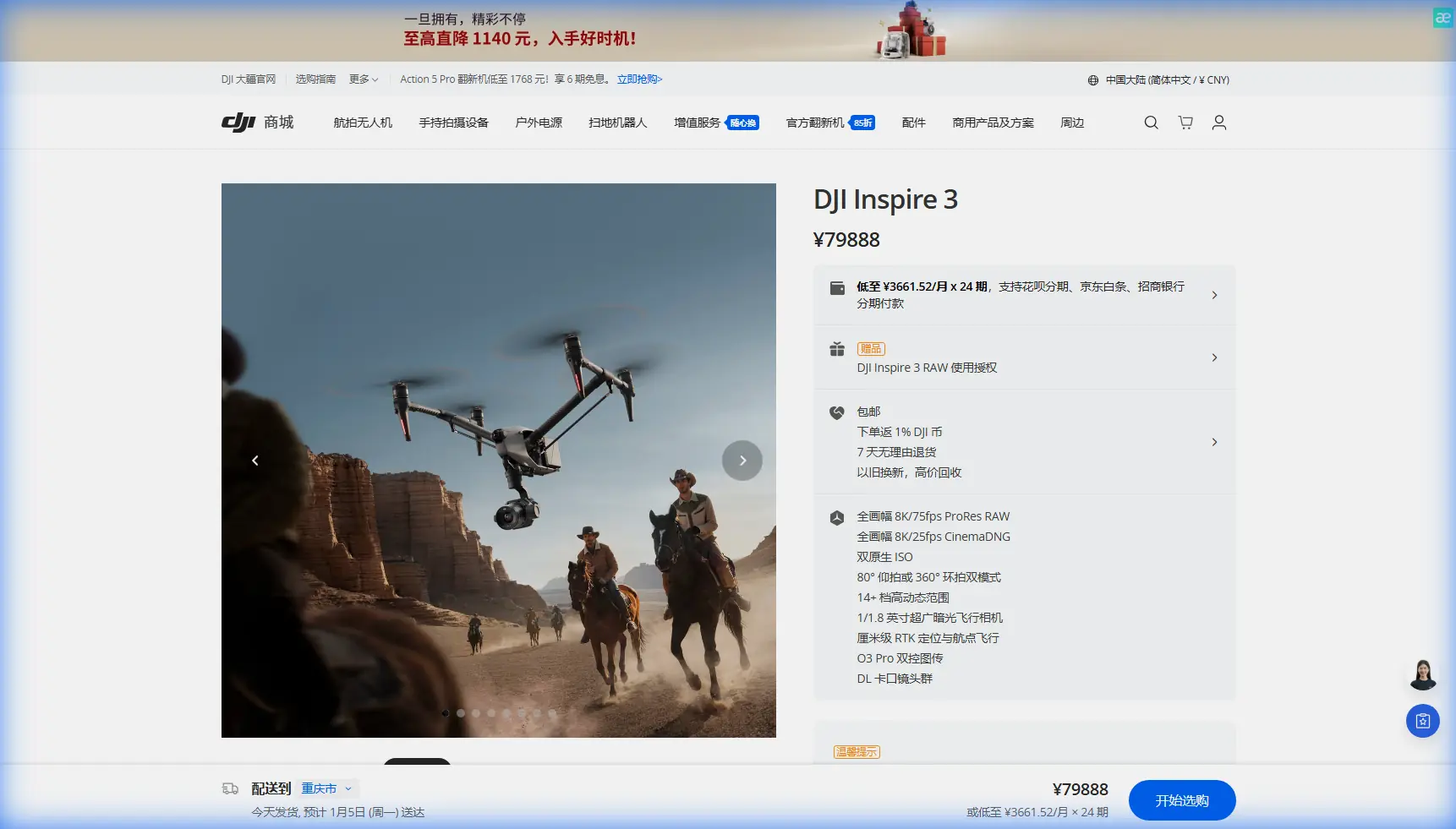
Inspire 3 in Mountain Field Mapping: A Case Study from the Edge of Usable Terrain
META: Expert case study on using the DJI Inspire 3 for mountain field mapping, with practical workflow notes on photogrammetry, GCPs, O3 transmission, hot-swap batteries, and pre-flight safety cleaning.
Mountain agriculture exposes every weakness in an aerial workflow.
Flatland mapping is mostly a matter of repetition: set your grid, confirm overlap, watch battery levels, and process the imagery. Mapping fields cut into mountain slopes is different. Elevation shifts distort your expected ground sample distance. Wind moves across ridgelines in layers. Tree lines, rock outcrops, and narrow terraces create visual clutter that can confuse both pilots and processing software. In that environment, the Inspire 3 becomes interesting not because it is simply powerful, but because its design choices solve specific problems that show up only when the terrain stops being forgiving.
I recently built a mapping plan around the Inspire 3 for a reader scenario that comes up often in hillside agriculture: documenting fragmented mountain fields for measurement, drainage review, and seasonal comparison. This is not a generic “can it fly there?” discussion. The real question is whether the aircraft can deliver repeatable, clean, processable data when every flight line is affected by slope, changing line of sight, and limited landing space.
The answer is yes, with caveats. And the details matter.
Why mountain fields stress a drone system differently
A field on a mountain is rarely one field. It is usually a patchwork of terraces, contour-planted strips, access paths, irrigation channels, and retaining edges. Even when the total area is not huge, the vertical variation can make a simple mission behave like a much larger one.
Photogrammetry depends on consistency. Consistent overlap. Consistent exposure. Consistent altitude relative to the ground. In mountain terrain, that consistency is hard-won. If your aircraft maintains only a basic height profile while the ground rises sharply beneath it, image scale changes across the mission. That can reduce model quality and create headaches in stitching, especially along steep edges where crops, shadows, and texture repetition are already working against you.
This is where the Inspire 3 platform has a practical edge for an experienced operator. It is not just about top speed or image quality in isolation. It is about managing a complex capture day with fewer compromises.
The pre-flight cleaning step most crews skip
Before I get into flight planning, there is one safety point I insist on in mountain work: clean the aircraft’s sensing surfaces before every sortie.
That sounds minor until you are operating from a dusty turnout beside a slope road or a farm track where fine soil gets kicked up during setup. The Inspire 3 relies on multiple sensing and positioning systems for stable operation, obstacle awareness, and mission confidence. If you let dust, pollen, moisture residue, or smeared fingerprints build up on vision sensors or camera-facing surfaces, you are degrading the very systems you depend on when terrain gives you less room to recover.
My own pre-flight routine is simple:
- Wipe vision and sensing surfaces with a clean microfiber cloth
- Check landing gear movement for grit or drag
- Inspect prop hubs and motor tops for fine dust accumulation
- Confirm the primary mapping lens and filters are spotless
- Look closely at battery contacts before insertion
On a mountain site, this takes three minutes and prevents avoidable errors. Operationally, that matters because slope work often includes takeoff zones that are uneven, temporary, and exposed to debris. A clean sensor suite gives the aircraft the best chance to interpret the environment correctly during low-altitude transitions and return-to-home behavior.
The Inspire 3 advantage is less obvious than people think
The Inspire 3 is usually discussed as a cinema aircraft first, and that can make mapping professionals overlook it. Fair enough. If your entire business is corridor survey or high-volume orthomosaic production, there are dedicated platforms built around that job. But for mountain field mapping where you also need detailed visual inspection, repeat access to hard terrain, and the ability to capture multiple types of imagery in one deployment, the Inspire 3 starts to make sense.
One reason is transmission resilience. O3 transmission is not just a marketing label; in mountain conditions, a strong transmission link changes decision-making. When fields wrap around terrain or sit below your launch position, line of sight can degrade quickly. A stable feed lets the pilot assess texture, shadow, crop condition, and terrain transitions without flying blind into a slope-side dead zone. That is particularly useful when adjusting a mission around trees, poles, or terrace edges that are not fully represented in your planning map.
Another underappreciated detail is AES-256 encryption. For agricultural cooperatives, landowners, and consultants handling boundary data or crop condition imagery, transmission security is not theoretical. A mountain farming client may be sharing irrigation layouts, access routes, and field segmentation they do not want casually exposed. AES-256 matters operationally because it supports a more professional data-handling posture from capture to transfer.
A practical case study workflow
Let’s say the assignment is to map several mountain vegetable plots spread across a south-facing slope, with the deliverables including an orthomosaic, a surface model, and a visual review of drainage patterns after heavy rain.
This is how I would approach it with the Inspire 3.
1. Break the area into elevation bands
Trying to map the entire hillside as one clean block usually creates uneven results. Instead, divide the site into separate elevation bands or terrace groups. Each section gets its own flight profile based on average terrain height, desired overlap, and wind exposure.
This keeps your image geometry more consistent. It also reduces the chance that one battery cycle is spent inefficiently climbing and descending over scattered plots.
2. Use GCPs where the terrain can fool you
Ground control points are not optional if the client wants strong measurement confidence. In mountains, GPS-derived position alone may look adequate until you compare edge features across steep transitions. Then the inaccuracies show up.
Place GCPs where they serve the terrain, not where placement is convenient. I prefer points at:
- Lower field edges
- Mid-slope transitions
- Terrace corners
- Upper boundary limits
- Any drainage crossing that needs accurate comparison over time
The operational significance is straightforward: GCPs help anchor the model across vertical and horizontal variation. Without them, a stitched product may still look visually convincing while carrying errors large enough to affect area calculations or slope interpretation.
3. Prioritize overlap over speed
Mountain mapping punishes aggressive flight speed. The Inspire 3 can move fast, but this is one scenario where restraint produces better data. Strong forward momentum combined with changing ground relief can hurt overlap consistency and increase motion-related image variability, especially in mixed light.
For photogrammetry, I would rather slow the mission, maintain generous overlap, and preserve image quality than rush through the area and spend hours fixing gaps in processing.
4. Schedule for light, not convenience
Hillsides create long shadows that move fast. Those shadows can obscure furrows, channels, and terrace lips that matter in agricultural analysis. Midday is not always aesthetically pleasing, but for mapping it often reduces processing confusion. If drainage features are the main target, a second pass at lower-angle light can be useful, but I would keep the photogrammetry capture itself as shadow-neutral as possible.
5. Leverage hot-swap batteries to keep the map coherent
Hot-swap batteries are one of those features people mention casually without explaining why they matter. On a mountain site, they matter because landing zones are often cramped and mission interruptions are expensive.
With hot-swap capability, the crew can keep the aircraft powered during battery changes. That shortens turnaround and helps preserve workflow continuity, especially when you are running segmented missions across multiple terrace levels. It reduces reinitialization friction and gets the aircraft back into the same data-collection rhythm faster.
That may sound like a comfort feature. It is not. In terrain where weather windows are narrow and wind can pick up quickly, saving even a few minutes between sorties can be the difference between completing the upper plots and abandoning them for another day.
Where thermal signature analysis fits, and where it doesn’t
Thermal signature work is often misunderstood in field mapping. For mountain agriculture, thermal data can help identify moisture variation, irrigation irregularities, or stress patterns, but it should not be confused with the core photogrammetry mission.
If the client is trying to understand terrain-driven water behavior, thermal observations can add context to visible-light mapping. Cooler zones may suggest water retention. Uneven heat patterns can reveal blocked flow paths or irrigation inconsistency. But thermal imagery is a separate interpretive layer, not a substitute for high-quality orthomosaic capture.
That distinction matters. Too many operators try to make one payload or one flight profile solve every problem. In mountain conditions, specialized passes usually produce cleaner results than forcing all objectives into a single compromised mission.
BVLOS talk needs discipline in mountain terrain
BVLOS gets mentioned frequently in discussions about remote agricultural work, but mountain operations require more caution than enthusiasm. Terrain masking, changing radio geometry, and uncertain visual recovery paths can make even technically possible routes operationally poor choices.
For most civilian field mapping jobs, I advise planning as though terrain will remove your margin faster than expected. Even if a regulatory framework allows expanded operations under certain conditions, the mission should still be built around communication integrity, predictable escape routes, and conservative battery reserves.
The Inspire 3’s O3 transmission helps, but no transmission system can repeal physics. Ridge interference is real. So is false confidence.
What the Inspire 3 does especially well on this kind of job
After enough mountain deployments, certain strengths stand out.
First, it is a highly controllable platform for mixed-purpose fieldwork. If you need a strict photogrammetry block and then a detailed visual review of erosion channels, retaining walls, or crop damage at oblique angles, the aircraft adapts well.
Second, the image collection experience feels more deliberate than frantic. That matters when every pass over a slope has consequences for data quality. A platform that lets the crew work methodically tends to produce cleaner datasets.
Third, the operational ecosystem supports professional field discipline. Secure transmission with AES-256, robust O3 link performance, and hot-swap battery workflow all reduce friction on site. None of these features alone makes the map accurate. Together, they give the crew more bandwidth to focus on overlap, ground control, and terrain-aware planning, which is what actually drives results.
What I would tell a farm client before the first launch
I would not promise that one flight will answer every question about a mountain field. That is how poor datasets happen.
Instead, I would explain that successful mapping here depends on matching the mission to the slope. We may run separate blocks for different elevations. We may place extra GCPs. We may pause if wind over the ridge becomes inconsistent. We will clean sensors before each launch because dust and pollen affect safety systems. And if the goal includes both measurement and crop-condition interpretation, we may separate those captures rather than forcing a single all-purpose run.
Clients usually appreciate that level of specificity because it sounds like what it is: a field workflow, not a brochure.
If you are planning an Inspire 3 deployment in mountain agriculture and want to compare mission logic, sensor setup, or terrain segmentation before you head out, you can message me here.
Final assessment
The Inspire 3 is not the default answer for every mapping project. But in mountain field work, where terrain complexity collides with the need for usable imagery, it can be a smart platform in expert hands.
Its value shows up in the margins: stable O3 transmission when the slope starts blocking your easy view, hot-swap batteries when the landing zone is rough and time is tight, AES-256 when your client expects secure handling of sensitive land data, and a workflow that supports both photogrammetry and close visual assessment in the same deployment cycle.
If you fly it carelessly, the mountain will expose that. If you fly it with a terrain-first mindset, clean sensors, disciplined GCP placement, and realistic expectations about overlap and battery planning, the Inspire 3 can deliver mapping data that is not just pretty, but operationally useful.
Ready for your own Inspire 3? Contact our team for expert consultation.