
Expert Mapping With Inspire 3 in Extreme Temperatures
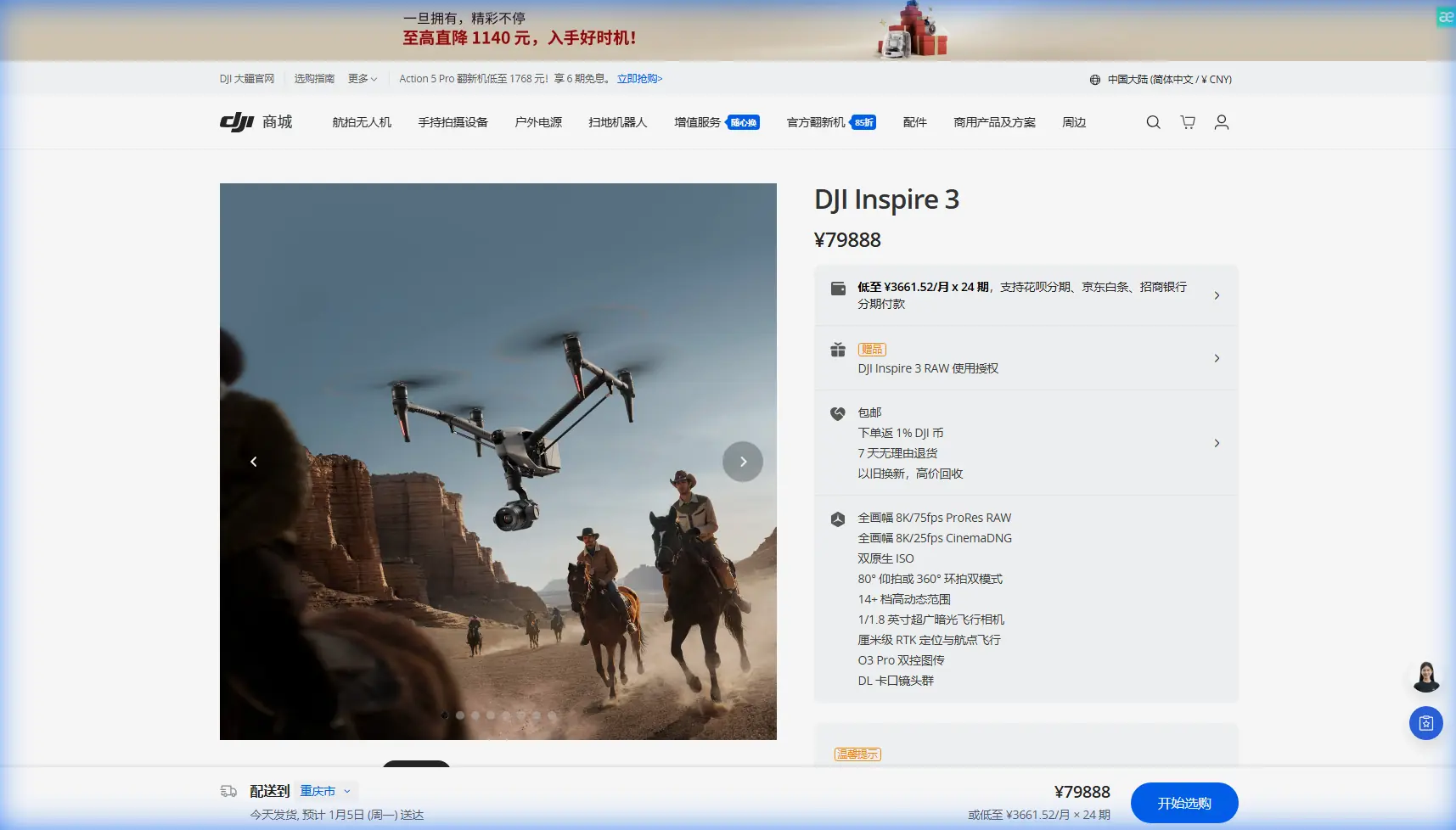
Expert Mapping With Inspire 3 in Extreme Temperatures: A Field Method That Holds Up
META: Learn how to use DJI Inspire 3 for field mapping in extreme temperatures, with practical guidance on flight altitude, battery strategy, photogrammetry workflow, O3 transmission, AES-256 security, and operational planning.
By Dr. Lisa Wang, Specialist
When crews talk about the Inspire 3, the conversation usually drifts toward cinema. That misses a more interesting reality. In harsh field conditions, especially when temperature swings start interfering with endurance, signal stability, and data consistency, the Inspire 3 can be approached as a disciplined aerial data platform rather than a camera ship with extra capability.
That distinction matters for agricultural block mapping, land assessment, and repeatable survey work over fields where heat shimmer, cold-soak battery behavior, and long standoff distances complicate the mission. If you are mapping fields in extreme temperatures, the drone is only half the equation. The other half is whether your workflow is built to protect image geometry, transmission integrity, and battery continuity from takeoff to final model.
There is also a broader industry angle worth paying attention to. DJI’s founder Wang Tao recently re-entered public discussion after years of relative quiet and spoke about former employees leaving to join other firms or launch their own ventures. That detail is not corporate gossip. It points to the kind of product culture that shaped platforms like Inspire 3 in the first place: hardware built by teams operating under intense engineering discipline, many of whom later carried that same mindset into drones, robotics, and even 3D printing. One highly visible example is Bambu Lab, founded in 2020 by Tao Ye after eight years at DJI, where he had led the consumer drone business. Why bring that up in an article about mapping? Because it helps explain why certain DJI systems feel unusually operationally mature. The engineering habits behind them were strong enough to seed entire adjacent industries.
For field mapping, that maturity shows up less in marketing language and more in practical behavior: stable link performance, consistent aircraft response, reliable battery swaps, and a software environment that supports repeat work instead of one-off flights.
Start With the Real Constraint: Temperature Changes the Map
Extreme temperatures do not just make pilots uncomfortable. They change the data.
In hot conditions, rising air and ground-reflected heat can soften image consistency across a flight. In cold conditions, battery chemistry becomes the first planning issue, not the second. Either way, if you simply fly a standard grid and hope the software resolves everything later, your final orthomosaic and elevation model can drift in quality.
For Inspire 3 mapping, I recommend treating temperature as a mission design variable from the beginning:
- It affects how long you can remain on station.
- It influences whether your overlap remains consistent across turns.
- It changes battery swap timing.
- It can alter the visibility of subtle field boundaries.
- It may distort what some teams casually call a thermal signature, especially when they are using visual interpretation to identify stressed zones, irrigation irregularities, or moisture contrast at different times of day.
Even when the payload and workflow are centered on photogrammetry rather than dedicated thermal capture, temperature still shapes what your images reveal.
Optimal Flight Altitude for Field Mapping: My Practical Baseline
Here is the altitude insight that matters most for this scenario.
For broad-acre field mapping in extreme temperatures, I usually advise starting around 70 to 90 meters AGL as the operational sweet spot, then adjusting based on crop uniformity, wind, and the precision required at field edges.
Why that band works:
At lower altitudes, you gain detail, but you also multiply passes, battery consumption, and time exposed to unstable thermal layers near the surface. In very hot conditions, that can hurt consistency more than it helps resolution. At much higher altitudes, you reduce the number of lines, but image scale drops and the model may struggle around drainage cuts, access tracks, or irregular boundaries.
That 70 to 90 meter band often strikes the right balance between ground sample detail and mission efficiency. It also helps reduce the operational pain of battery management in both heat and cold.
If your priority is drainage analysis, plant stand inspection, or identifying fine surface variation, move lower. If your priority is rapid whole-field coverage with repeatability across multiple blocks in one session, stay toward the upper end of that range. But resist the urge to set altitude once and forget it. In extreme weather, altitude is part of thermal management.
Use GCPs Even When the Aircraft Flies Beautifully
One of the easiest mistakes with a capable platform is overconfidence.
The Inspire 3 can deliver extremely stable flight paths, but stable flight is not the same thing as survey-grade positional confidence. If the deliverable matters beyond visualization, use GCPs. Not because the aircraft is weak, but because your client or agronomy team will eventually ask for comparison across time, boundaries, or drainage interventions.
In field environments, I prefer a simple rule:
- Place enough GCPs to anchor the corners and the center of the site.
- Add more where terrain breaks, irrigation features, or access roads introduce elevation changes or sharp texture shifts.
- Keep marker visibility high enough to survive strong sun and low-angle light.
This is especially relevant in extreme temperatures because flights may be segmented to protect batteries. Once you split missions, GCPs become even more valuable for maintaining alignment across separate captures.
O3 Transmission Is More Than a Convenience
People often mention O3 transmission as if it only affects pilot confidence. In mapping, its significance is operational.
When you are working across large agricultural parcels, maintaining a clean live link matters for three reasons. First, it helps verify coverage quality before you leave the site. Second, it reduces the chance of unnoticed gaps caused by edge-of-range hesitation or route interruption. Third, it allows a smoother handoff between flying and quality control, especially when a second team member is watching framing and overlap behavior.
That is why I group O3 transmission with mapping reliability rather than with general handling.
The same goes for AES-256. Data security is not just an IT box to tick. In commercial field operations, location data, crop patterns, infrastructure layouts, and site imagery may all be commercially sensitive. AES-256 matters when you are moving data through professional workflows and need to show that your airborne collection process is not casual. For larger growers, research plots, and managed estates, that can shape whether the UAV program is accepted at all.
Hot-Swap Batteries Change the Way You Build the Day
If you map fields in severe heat or cold, battery workflow is not a side note. It is the mission clock.
The value of hot-swap batteries on Inspire 3 is straightforward: you reduce downtime and keep the aircraft cycle moving. But the deeper benefit is planning flexibility. You can break a large property into temperature-aware flight blocks without losing continuity between sorties.
In hot weather, I like shorter blocks with immediate review after landing. In cold weather, I want batteries staged and temperature-managed before they are needed, not sitting exposed while the crew debates priorities.
A few practices I insist on:
- Build missions around battery-safe segments, not around the total acreage.
- Review edge coverage after each landing.
- Label packs by cycle order and condition.
- Avoid pushing “one more line” when temperature has already reduced your margin.
- Keep the aircraft moving through a repeatable swap routine so the team is not improvising under stress.
This sounds procedural because it is. Extreme conditions punish casual habits.
Photogrammetry in Harsh Conditions: Capture for Processing, Not Just for Flight
A good-looking flight can still produce weak data.
Photogrammetry over fields can be deceptively difficult because agricultural surfaces often repeat texture. Uniform crops, bare soil, irrigation marks, and wind-driven leaf movement all challenge reconstruction. Add extreme temperatures and you may also get changing light intensity and atmospheric distortion during the mission window.
To protect your model:
- Increase front and side overlap beyond your minimum comfort zone.
- Fly at a time of day when shadows are manageable but surface definition is still visible.
- If heat shimmer is severe, reduce the size of each mapping block.
- Keep turns predictable and route speed conservative enough to preserve image sharpness.
When possible, design the mission around the final output. If the goal is volumetric earthwork near a field edge, prioritize precision around that area. If the goal is crop-zone comparison, prioritize repeatability between dates.
This is where Inspire 3’s design philosophy really earns its place. The platform feels built by people who understand that professional users do not want isolated specs; they want a system that behaves predictably under pressure. Given the public discussion around DJI alumni later building companies across drones, robotics, and 3D printing, that consistency makes sense. Teams trained inside a high-discipline hardware environment tend to obsess over operational friction points. In mapping, those friction points are what ruin data days.
What About BVLOS?
BVLOS gets mentioned often in large-field conversations, sometimes too casually.
For mapping teams, BVLOS can expand mission efficiency over remote or oversized agricultural areas, but only where regulations, approvals, crew structure, and risk controls support it. Treat it as a compliance and operations framework, not a feature you “turn on.” The Inspire 3 can fit into advanced workflows, but field mapping remains a professional aviation activity, especially in temperature-stressed environments where contingency planning matters.
In practical terms, do not design your standard mission around assumptions you are not approved to execute.
A Repeatable How-To Workflow for Inspire 3 Field Mapping
Here is the process I use when the job involves extreme temperatures and the client expects mapping data that can actually be trusted.
1. Define the decision the map must support
Before takeoff, be precise. Are you mapping for drainage, stand counts, surface change, irrigation assessment, or seasonal comparison? Your answer changes altitude, overlap, and GCP density.
2. Pick an altitude range, then refine on site
Start at 70 to 90 meters AGL for most broad field mapping. If field texture is sparse or detail requirements are high, lower it. If coverage efficiency is the priority, move up carefully without sacrificing the needed resolution.
3. Lay out GCPs before the first battery cycle
Do not wait to see if the flight “looks good.” Extreme temperatures often mean split missions. GCPs protect continuity.
4. Build shorter, cleaner missions
Especially in high heat, a shorter mission with verified coverage beats a long flight that introduces uncertainty.
5. Use O3 link quality as a QC tool
Monitor the live feed and route progress actively. Do not treat transmission quality as passive background performance.
6. Rotate batteries like a system
Use hot-swap capability to maintain momentum, but track battery condition rigorously.
7. Process with consistency in mind
When comparing fields across dates, keep altitude, overlap, GCP placement logic, and capture timing as consistent as possible.
8. Secure your data path
If your project involves commercially sensitive sites, document your handling procedures and make use of AES-256 supported workflows where appropriate.
When to Ask for Outside Workflow Help
Not every team needs outside support, but some do. If your challenge is not flying the Inspire 3, but building a mapping routine that remains accurate in punishing weather, it can help to compare your current process against a field-tested one. If you want to talk through mission design, battery staging, or altitude planning for a specific site, you can message a specialist directly here.
The Bigger Takeaway
The most useful way to think about the Inspire 3 for extreme-temperature field mapping is not as a crossover from filmmaking into surveying. It is better understood as the product of a hardware culture that values execution under real-world constraints. The recent discussion from Wang Tao about former DJI employees moving on to build new companies, and the example of Tao Ye leaving after eight years to co-found Bambu Lab in 2020, highlights how strong that engineering culture has been. It produced people and systems that carry operational discipline into entirely different industries.
For mapping professionals, that matters because reliability is cultural before it is technical. A platform either reflects hard-won experience from demanding hardware development, or it does not.
The Inspire 3 does.
And in extreme temperatures, when every weak habit shows up in your data, that difference is easy to see.
Ready for your own Inspire 3? Contact our team for expert consultation.