
Inspire 3 for Dusty Venue Mapping: A Practical Field
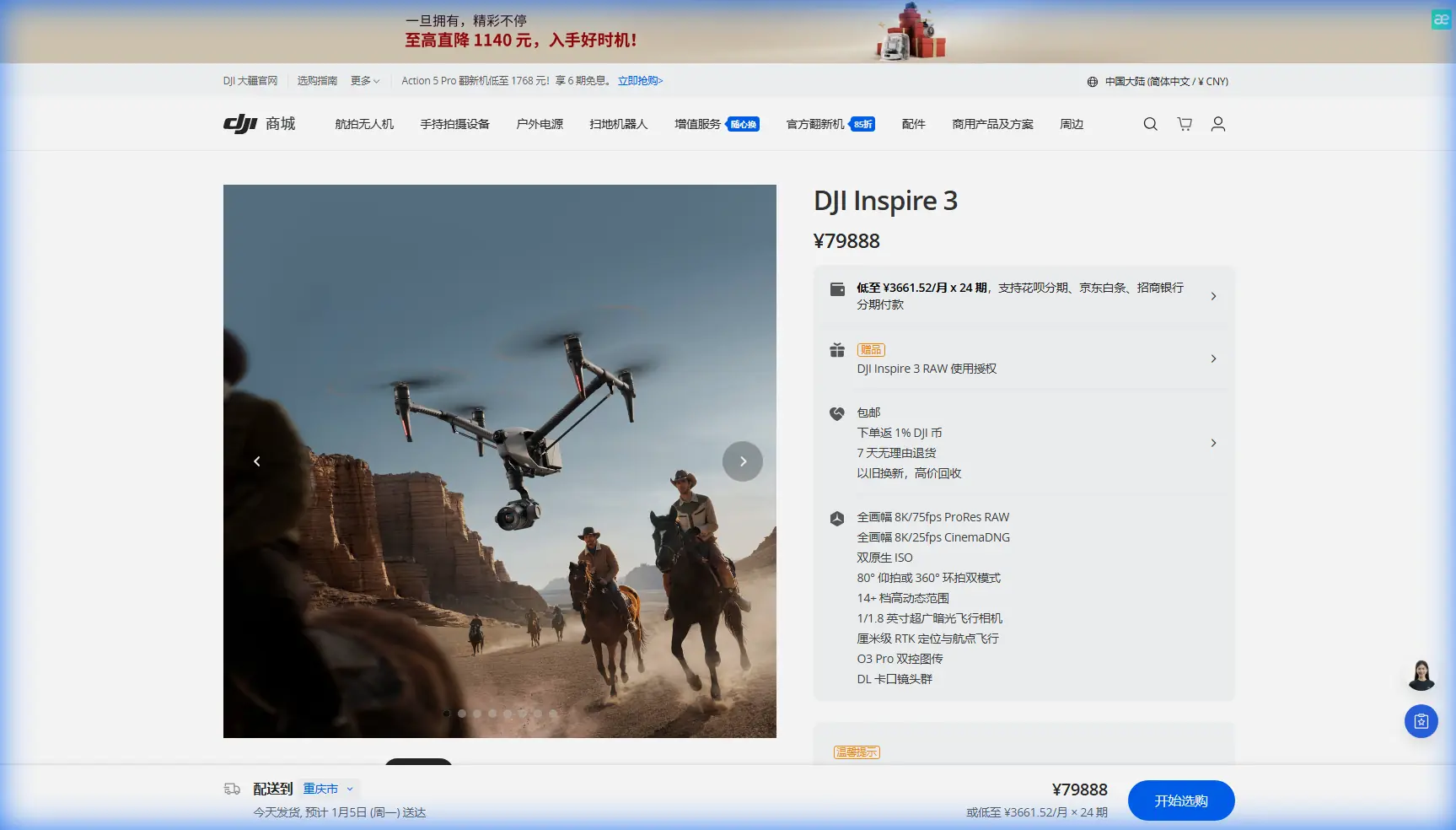
Inspire 3 for Dusty Venue Mapping: A Practical Field Tutorial from Setup to Clean Data
META: Learn how to use the DJI Inspire 3 for dusty venue mapping with practical tips on RTK workflow, O3 transmission, AES-256 security, hot-swap batteries, EMI antenna handling, and photogrammetry-ready capture.
Dust changes everything.
A venue that looks straightforward on a planning screen can become a messy capture environment once you add loose soil, temporary metal structures, stage power, radio traffic, and long walking routes between launch points. If your goal is clean photogrammetry output rather than pretty footage, the Inspire 3 needs to be treated less like a cinema aircraft and more like a disciplined survey platform.
That shift in mindset is what makes the difference.
The Inspire 3 is not marketed as a pure mapping drone in the same mold as a dedicated survey aircraft, but in venue work it offers something genuinely useful: a high-end imaging platform with strong positional tooling, stable transmission, and practical operational features that matter when the site is busy, dusty, and full of interference sources. Used correctly, it can produce consistent, reconstruction-friendly image sets for large event grounds, outdoor exhibition spaces, racing facilities, festival sites, and temporary infrastructure layouts.
This guide is written for that exact job.
Start with the mission profile, not the aircraft
When people say they are “mapping a venue,” they usually mean one of three different deliverables:
- A photogrammetry model for planning and documentation
- A current-conditions orthomosaic for operations teams
- A repeatable baseline capture for progress tracking before, during, and after build-out
The Inspire 3 can support all three, but your flight style changes depending on the output.
If you need a reliable 3D model of a dusty venue, your priority is overlap consistency, camera discipline, and positional confidence. If you need progress snapshots, speed and repeatability matter more. If the site includes temporary structures, tents, truss, lighting towers, and reflective roofing, you also need to think carefully about image geometry because those surfaces can confuse reconstruction if your passes are rushed or your angles are too shallow.
That is why venue mapping with the Inspire 3 should begin with a capture plan built around photogrammetry basics: stable altitude, repeatable lanes, measured overlap, and ground control points where needed.
Why the Inspire 3 makes sense in difficult venue conditions
The Inspire 3 brings a few operational strengths that are easy to underestimate until you are on location.
First, O3 transmission is a real advantage on busy sites. Large venues often create awkward RF conditions. You may have LED walls, generators, temporary communications gear, nearby Wi-Fi congestion, and a forest of metal structures reflecting signal. A robust transmission link helps maintain command confidence while you focus on lane spacing and image timing rather than fighting a weak feed.
Second, AES-256 transmission security matters more than many venue teams realize. Event sites and private facilities often do not want aerial data moving over unsecured links, especially when the capture includes layouts, access roads, staging compounds, or proprietary construction progress. Secure transmission is not just a technical note; it can be part of your client’s data handling expectation.
Third, hot-swap batteries are extremely useful in dusty environments. Venue mapping often involves sequential sorties from the same launch area. Every extra shutdown, reboot, and reinitialization cycle increases dust exposure and eats into the time window when the sun angle is consistent. Being able to keep the aircraft active while swapping battery sets helps preserve rhythm and reduces disruption between blocks of the mission.
Those are not abstract specifications. They directly affect data consistency, field efficiency, and operational reliability.
Dust is not only a cleaning issue
Most pilots think of dust as a maintenance headache. It is that, but for mapping it also affects data quality and crew behavior.
Dust impacts venue mapping in four ways:
- It reduces ground texture clarity in low-angle light
- It increases the chance of debris around takeoff and landing
- It encourages hurried battery changes and rushed handling
- It can mask site markers and GCP visibility
If the site is actively being built or prepared, vehicle movement can create suspended dust that softens image detail just enough to degrade tie point quality in your photogrammetry software. The result is a model that looks acceptable from a distance but struggles around edges, barriers, fencing, and vehicle tracks.
The fix is simple in theory and easy to neglect in practice: fly when dust activity is lowest, not merely when the weather is calm. Early morning often helps, but only if site vehicles have not already started churning up the surface. Coordinate with the venue manager so heavy equipment stays out of your active capture block whenever possible.
RTK, GCPs, and where people get lazy
If you are documenting a venue for planning, engineering coordination, or repeated comparison over time, positional discipline matters. The Inspire 3’s RTK capability can tighten your geospatial reliability, but RTK is not a substitute for field thinking.
Use GCPs when the deliverable demands defensible accuracy, especially on large open grounds or sites with mixed elevation, sparse features, or temporary objects that may not remain in place for later comparison. Ground control points are especially valuable in dusty venues because visual sameness can trick alignment engines. A broad tan surface with repetitive tire marks and temporary fencing does not always provide strong natural references.
Here is the operational significance: RTK improves camera position confidence during capture, while GCPs give you ground truth during processing. Together they reduce drift, improve scale integrity, and make your outputs easier to trust when someone starts measuring distances between utility runs, access lanes, or build zones.
For smaller venue jobs, you may choose RTK-only workflows to move faster. Just make that decision consciously, based on output requirements, not convenience.
Camera discipline for photogrammetry on a cinema platform
The Inspire 3 is attractive because its imaging system is capable, but that can tempt crews into shooting it like a content drone rather than a mapping tool.
For photogrammetry, consistency beats artistry.
Keep exposure stable. Avoid aggressive auto changes across a mission block. Maintain predictable altitude. Do not mix dramatic obliques with top-down grid captures unless you have planned a hybrid reconstruction workflow. If your software can benefit from oblique sets for structure definition, capture them as a separate pass rather than improvising angles mid-flight.
Venue surfaces often include painted lines, temporary signage, cable ramps, steel barricades, tents, seating systems, and staging hardware. These features reconstruct much better when the image set is uniform and overlap is generous. The Inspire 3 can absolutely gather reconstruction-friendly data, but only if the pilot resists the urge to “cinematize” the mission.
This is also where thermal signature questions sometimes come up. On event grounds or industrial venues, operators may want to identify heat-generating equipment or recently used machinery. That is a separate sensing goal from geometric mapping. Do not confuse thermal signature interpretation with photogrammetry acquisition. If the task requires both, treat them as separate products with separate capture logic.
Handling electromagnetic interference with antenna adjustment
Dust is visible. Electromagnetic interference is not, which makes it more dangerous to a mapping workflow.
Venues are full of EMI sources: power distribution, broadcast infrastructure, temporary network equipment, large LED installations, generators, and dense metal assemblies that complicate propagation. On the Inspire 3, poor signal behavior is often not just about distance. It can come from orientation, obstruction, and reflected signal paths.
When you see inconsistent transmission quality, do not immediately assume the site is unflyable. Start by adjusting your controller and antenna geometry.
A practical method:
- Face the aircraft more squarely rather than tracking it from an awkward body angle
- Reposition yourself away from trucks, scaffolding, barriers, or generator housings
- Raise your operating position slightly if a vehicle row or temporary wall is blocking line of sight
- Keep antenna orientation aligned for the strongest broadside relationship rather than pointing the tips directly at the aircraft
- If the venue has known interference zones, break the mission into shorter blocks from cleaner launch points
This matters because O3 transmission is strong, but no transmission system is immune to bad operator positioning. On one dusty venue, a pilot can spend twenty minutes blaming RF congestion when the real problem is standing beside a metal container and letting a lighting truss sit directly in the signal path.
Antenna adjustment is not a magic trick. It is basic fieldcraft. Yet in practice, it is often the fastest way to stabilize the link and keep your mapping lanes clean.
Battery rhythm and sortie design
Hot-swap batteries are one of the most practical features for this kind of work. In a dusty venue, they allow you to preserve aircraft continuity while reducing unnecessary downtime between flight segments.
The operational gain is larger than it sounds.
If you divide a venue into logical mapping blocks, hot-swapping lets you maintain a steady sequence: land, swap, confirm system status, relaunch, continue. That continuity helps with lighting consistency and reduces the chance that a reboot delay pushes the next sortie into harsher sun or heavier site activity.
Build your sortie plan around battery rhythm:
- Map the largest dust-free or low-activity blocks first
- Leave congested or vehicle-heavy zones for later if needed
- Use the same launch area only if it gives clear signal and clean takeoff conditions
- Move launch points when line of sight or RF conditions deteriorate
This is also where field cleanliness pays off. Have a dedicated staging surface for batteries and lens handling. Dust-contaminated swaps create small mistakes that show up later as avoidable downtime.
BVLOS reality check for venue operations
Some teams planning large sites ask whether BVLOS is necessary. Sometimes it is. Often it is not.
For most venue mapping jobs, thoughtful launch positioning and segmented coverage remove the need to push into BVLOS concepts. That is the safer and more practical civilian approach unless you are operating inside a lawful, approved framework with the right operational controls.
The smarter question is usually this: how do we structure coverage to maintain line of sight, reliable transmission, and repeatable image geometry? The Inspire 3 gives you enough operational flexibility that many venue projects can be completed through multi-position planning rather than stretching a single flight profile beyond what the site safely supports.
A field workflow that actually works
Here is a realistic sequence for a dusty venue mission with the Inspire 3:
1. Walk the site before powering up
Identify dust sources, metallic obstructions, temporary power zones, and likely interference pockets. Mark launch and recovery spots with clean ground.
2. Set control strategy
If the deliverable needs measurable repeatability, deploy GCPs and confirm your RTK plan. Make sure targets are visible against dusty ground tones.
3. Choose the first mapping block
Start where traffic is lowest and the light is most even. Large open perimeters are usually better first than central staging zones.
4. Fly strict, repeatable lanes
Hold altitude and overlap. Avoid creative camera movement. Think reconstruction, not footage.
5. Watch transmission behavior continuously
If signal quality fluctuates, change your body position, antenna orientation, or launch point before assuming a system fault.
6. Use hot-swap efficiency properly
Keep the aircraft active between short turnaround cycles, but do not rush pre-launch checks just because the platform supports quick battery changes.
7. Validate before leaving
Review enough imagery in the field to spot softness, dust haze, bad overlap, or missing edge coverage. A rushed exit is how remobilization happens.
When the Inspire 3 is the right choice for venue mapping
The Inspire 3 makes sense when the venue team needs more than simple overhead snapshots. It is especially useful when the site demands high-quality imagery, secure transmission, efficient multi-sortie operations, and reliable handling in complex RF conditions.
It is less about forcing a cinema aircraft into a survey role and more about using a premium aerial platform with discipline. If your crew respects mapping fundamentals, the aircraft can produce strong venue documentation in environments that are visually chaotic and operationally messy.
That is the key point. Dusty venues do not reward improvisation. They reward repeatable method.
And when you do encounter problems, they are usually field problems before they are aircraft problems: dusty launches, weak GCP visibility, bad sortie planning, careless antenna orientation near EMI sources, or capture inconsistency disguised as “software issues” later in processing.
If you want help planning an Inspire 3 venue mapping workflow around your site conditions, mission design, or data requirements, you can message our field team here.
The Inspire 3 is a capable tool. But on dusty venue jobs, capability only shows up when the operator makes the mission boring in the best possible way: structured, repeatable, and clean enough for the data to hold together long after the aircraft is packed away.
Ready for your own Inspire 3? Contact our team for expert consultation.