
How to Plan Inspire 3 Operations for Highway Corridor Work i
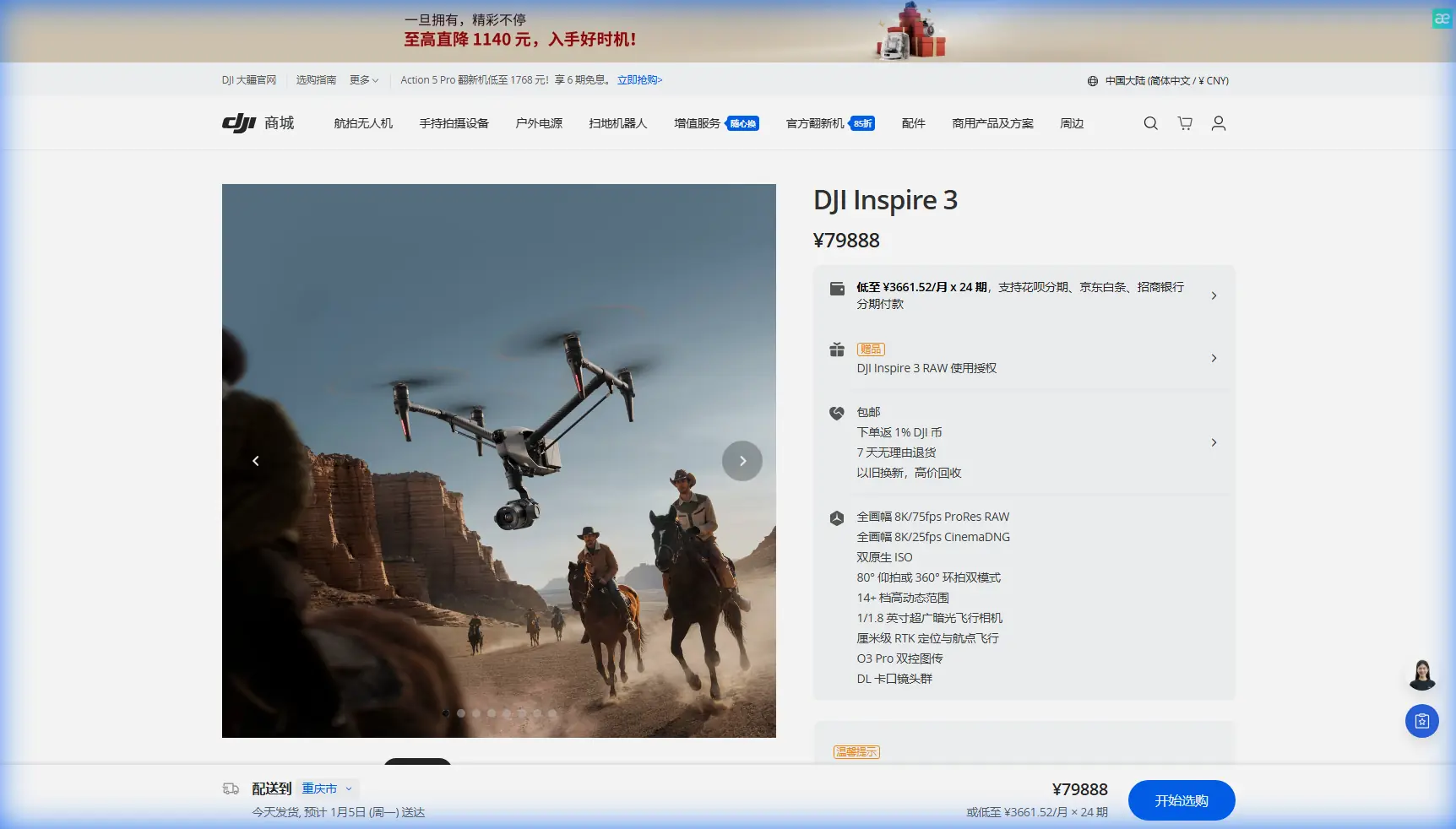
How to Plan Inspire 3 Operations for Highway Corridor Work in Complex Terrain
META: Expert guide to using DJI Inspire 3 for highway corridor missions in difficult terrain, with practical insight on transmission, hot-swap workflow, calibration discipline, and support equipment safety.
Highway corridor work looks simple on a map. In the field, it rarely is.
A spraying or treatment mission along a mountain road, elevated expressway, or cut-and-fill corridor forces a drone team to deal with changing elevation, uneven signal paths, wind funneling through slopes, and long linear flight profiles that punish weak workflow. That is exactly where the Inspire 3 starts to separate itself from lighter prosumer platforms. It was built for serious aerial production, but many of its strengths translate directly into disciplined commercial corridor operations: stable long-range control, resilient data handling, dependable battery turnover, and airframe behavior that stays predictable when the terrain gets complicated.
For teams evaluating the Inspire 3 for highway-adjacent civilian work, the real question is not whether it can fly over a road. Plenty of aircraft can do that. The real question is whether the aircraft supports repeatable, high-consequence missions where every interruption adds labor, traffic exposure, and operational risk.
That is where design thinking matters.
Why complex terrain changes everything
A highway through flat agricultural land is one thing. A highway carved into hillsides is another.
As the aircraft moves along the route, relative height above the road can swing rapidly even when the drone’s altitude reference looks stable on the controller. Road shoulders, retaining walls, overpasses, drainage channels, embankments, and vegetation all create visual and RF complexity. If your mission involves mapping, thermal inspection, roadside condition review, or documenting treatment coverage, the platform needs to maintain precise flight discipline while the crew constantly interprets changing terrain.
This is also where operators often overfocus on the camera and underfocus on the operating system around the aircraft.
The reference material behind this discussion comes from traditional aircraft engineering, not multirotor marketing, and that is useful. One source emphasizes how measurement accuracy depends on getting the underlying geometry right at the design stage. In that handbook, the fuel quantity–height curve is described as the basis for sensor form design, and the text warns that poor calculation accuracy directly affects measurement precision. More bluntly: if the foundational calibration logic is wrong early, the system never becomes truly reliable later.
That principle applies cleanly to Inspire 3 highway work.
If you are using Inspire 3 for photogrammetry, thermal signature collection, or repeat corridor inspections, you cannot treat setup as an afterthought. Flight altitude, camera angle, terrain compensation, overlap targets, GCP strategy, and return margins all play the same role that a quantity-height curve plays in manned aircraft systems. They define whether your output is defensible or just visually impressive.
The hidden advantage of Inspire 3 for corridor missions
Inspire 3’s edge is not just image quality. It is mission continuity.
For long, segmented highway work, hot-swap batteries are more than a convenience. They reduce the dead time between sorties and help preserve route continuity when you are working from a roadside staging point with limited safe launch options. On a corridor project, every battery interruption can create mismatched light conditions, inconsistent thermal readings, or coverage gaps between sections. Faster turnaround narrows those variables.
Compared with smaller platforms that need more stop-start handling or compromise payload performance, Inspire 3 gives experienced crews a more stable production rhythm. That matters when terrain complexity already creates enough friction.
Its O3 transmission system also deserves more respect in this use case than it usually gets. Highway corridors in cut sections or near concrete structures can create awkward signal behavior. Stable control and video downlink are not luxuries when you are tracing a narrow operational ribbon through changing topography. They are the difference between smooth progression and repeated aborts. Add AES-256 protection into the chain and Inspire 3 also makes sense for contractors handling sensitive infrastructure imagery, where data security is not optional.
A practical Inspire 3 workflow for highway spraying support and corridor intelligence
To be clear, Inspire 3 is not a dedicated agricultural spraying aircraft. If the task literally requires chemical application, use the right spray platform. But in real-world highway vegetation management, slope treatment planning, runoff monitoring, thermal review, and pre/post-operation documentation often matter just as much as application itself. Inspire 3 can be the high-precision eye that supports that broader workflow.
Here is how I would structure the operation.
1. Define the corridor in operational segments, not one long mission
Newer crews like to think in terms of total road length. Professionals break it into manageable cells.
On complex terrain, each segment should account for:
- elevation change
- road geometry
- launch and recovery options
- likely signal shadow zones
- traffic separation
- battery reserve requirements
This matters because linear jobs fail at the margins. A mission that looks efficient on paper can become inefficient if the aircraft must climb repeatedly to maintain clearance or reposition around terrain-induced transmission issues.
Think in terms of repeatable blocks with clear entry and exit points. That approach improves safety and also strengthens photogrammetry consistency if the output includes orthomosaics or 3D corridor modeling.
2. Treat terrain-calibrated planning like a sensor design problem
This is where the aircraft-handbook reference becomes surprisingly relevant.
The source text notes that the accuracy of a measurement system depends on the accuracy of the curve used to relate actual quantity to measured height. It also explains that when the geometry is irregular, correction factors become more significant. In one passage, a more regular, larger-volume tank is given a correction coefficient of 4 = 0. in the provided excerpt, while irregular shapes with stronger curvature require smaller values and more cautious adjustment.
The wording is about fuel tanks, but the operational lesson is broader: irregular geometry introduces error, and correction becomes essential.
A highway in complex terrain is an irregular geometry problem.
If you fly Inspire 3 over a winding corridor without terrain-aware planning, your dataset can drift in subtle ways:
- inconsistent ground sampling distance
- variable viewing angle on slopes
- weak overlap on embankments
- distorted thermal comparisons between sunny and shaded faces
Build the mission with topography in mind from the start. Where possible, use terrain-following logic, conservative altitude margins, and control points or GCP references in key sections where grade shifts or structures could affect model reliability.
3. Use GCPs selectively, not everywhere
For broad corridor documentation, full GCP saturation is often unnecessary and inefficient. But in mountain roads, interchanges, retaining structures, culverts, and drainage crossings, selective GCP placement can rescue the downstream dataset.
This is especially true when the mission objective includes photogrammetry for slope assessment or roadside asset tracking. The Inspire 3 can capture premium imagery, but no aircraft solves weak ground truth on its own.
My rule is simple: place control where the geometry changes fastest or where decisions will be made from the model later.
4. Build thermal collection windows around terrain shadow behavior
Thermal signature work along highways is rarely uniform because terrain creates its own clock.
East-facing slopes, bridge decks, drainage channels, and shaded retaining walls warm and cool at different rates. If the Inspire 3 is supporting thermal review of moisture retention, asphalt anomalies, drainage issues, or vegetation stress near treated zones, timing is everything. The same corridor can tell two different stories an hour apart.
A stronger platform helps because stable flight and efficient hot-swap turnaround let you revisit critical sections inside a tighter thermal window. That operational tempo is one reason Inspire 3 can outperform lighter alternatives in real jobs, even when their spec sheets seem close.
5. Protect continuity at the ground handling stage
One of the more overlooked reference points in your source material comes from aircraft towing equipment design. It discusses why towing bars use buffer mechanisms to keep motion smooth during starting, stopping, and braking, specifically to avoid damaging the aircraft when the tow vehicle decelerates and the aircraft keeps moving. The handbook even frames the buffer in energy terms, with the required absorbed energy given by a formula that includes 0.015 and 9.807, then links that requirement to spring compression and maximum load.
That is not trivia. It is a reminder that support equipment design protects the aircraft from transitional forces, not just static loads.
For Inspire 3 crews operating along highways, the equivalent lesson is this: damage often happens on the ground, during movement, setup, braking, packing, or improvised repositioning between launch points. Uneven shoulders, gravel lay-bys, steep access roads, and rushed roadside handling create shock loads and tip hazards that no airborne feature can fix.
So build your field kit and procedures accordingly:
- use stable transport cases and shock-aware loading discipline
- secure batteries and payload components before vehicle movement
- avoid abrupt hand-carry transitions on slopes
- establish a clean launch zone even when the roadside is narrow
- assign one crew member to aircraft handling only during relocations
A refined aircraft can still be compromised by rough support habits. Manned aviation solved that long ago. Drone teams should borrow the lesson.
6. Plan for communications loss before you experience it
O3 transmission is strong, but corridor terrain always wins if you get lazy.
Before takeoff, identify likely signal masks:
- bends below cut slopes
- under-bridge transitions
- tree-lined rock faces
- elevated structures with multipath reflection
Then define your response logic in advance. Do not improvise return behavior after the image freezes.
For BVLOS-related planning where regulations and waivers permit, Inspire 3’s transmission architecture is a real asset, but it should support disciplined route design, not replace it. The best operators use robust links to create margin, not to excuse overextension.
7. Build battery strategy around route shape, not just flight time
Inspire 3’s hot-swap system gives teams flexibility, but battery planning still needs to follow the terrain.
A narrow valley route with repeated climbs can drain faster than a flatter section of similar length. Wind exposure over bridge spans or ridge transitions can also skew assumptions. Do not allocate packs by distance alone. Allocate by energy profile:
- climb demand
- hover time for detailed captures
- reposition distance to the next safe landing site
- reserve for recovery against headwind
Hot-swap is most valuable when you pair it with disciplined mission segmentation. Otherwise, you just get faster battery changes inside a poorly structured plan.
8. Keep data security in the conversation
Infrastructure imagery often includes adjacent private land, contractor methods, drainage layouts, utility crossings, and site weaknesses. With AES-256 in the system, Inspire 3 fits organizations that need better protection around transmitted data and stored workflows.
That may not be the headline feature operators talk about in the field, but for civil contractors, consultants, and infrastructure owners, it matters. Security is not only about preventing malicious access. It is also about maintaining client confidence when your aircraft is documenting critical public assets.
If your team is building a corridor operation template and wants a practical discussion around setup logic, field support, and handoff standards, you can message an Inspire workflow specialist here.
Where Inspire 3 clearly outclasses lighter alternatives
The competitor comparison is straightforward.
Smaller drones can absolutely document short road sections, quick thermal passes, or simple inspections. But once the corridor becomes longer, steeper, and operationally fragmented, Inspire 3 tends to pull ahead because it combines:
- stronger mission continuity through hot-swap batteries
- more resilient control confidence through O3 transmission
- high-end imaging flexibility for both visual and specialized analysis
- better suitability for repeatable professional workflows with secure data handling
That does not mean it replaces every platform. It means it handles a more demanding class of corridor work without forcing as many compromises.
And that is the point most spec comparisons miss. On paper, many drones can “cover” a highway. In practice, the platform that keeps your workflow coherent from segment to segment is the one that saves the project.
Final field advice for Inspire 3 highway teams
When crews struggle with corridor jobs, they usually blame wind, terrain, or regulations. Sometimes that is fair. But often the real issue is upstream planning.
The old aircraft design references in your source material make one principle very clear: when geometry is irregular, corrections and support systems become essential. Whether it is a fuel measurement curve that must be accurate before the sensor is built, or a towing mechanism that must absorb energy before a braking event causes damage, the engineering mindset is the same. Anticipate the error source. Design around it early.
That mindset suits Inspire 3 perfectly.
Use it as a precision corridor platform. Segment the route. Respect terrain. Calibrate for output, not appearance. Protect the aircraft during ground moves as carefully as you fly it in the air. When you do that, Inspire 3 becomes more than a camera drone. It becomes a dependable operational tool for highway work where lesser systems start to feel improvised.
Ready for your own Inspire 3? Contact our team for expert consultation.