
Tracking coastal construction sites with Inspire 3
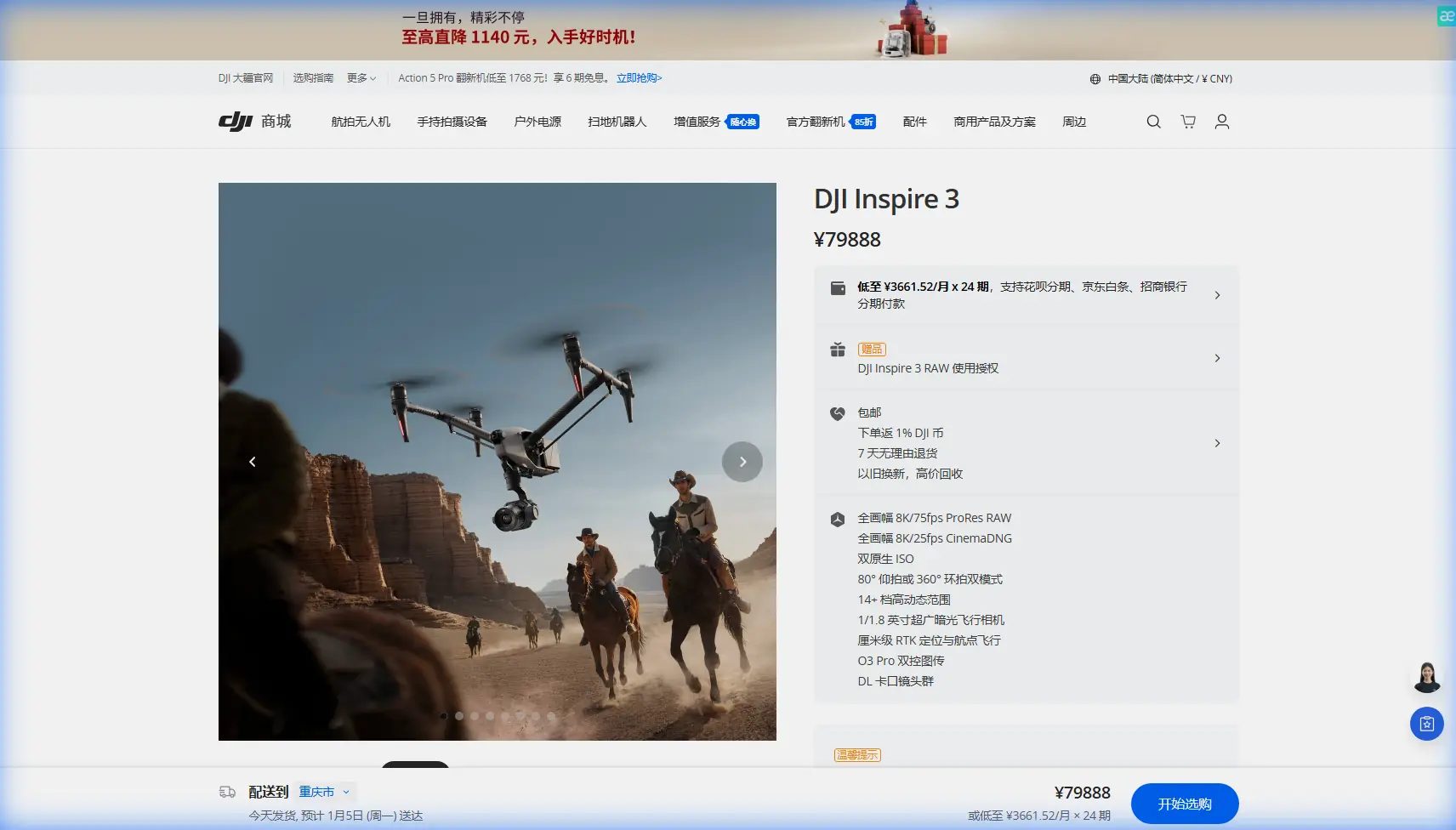
Tracking coastal construction sites with Inspire 3: what actually matters in the field
META: A technical review of using DJI Inspire 3 for coastal construction tracking, covering O3 transmission, hot-swap batteries, AES-256 security, photogrammetry workflow limits, and practical field upgrades.
Coastal construction looks straightforward on paper. It rarely is.
Salt air creeps into connectors. Wind shifts faster than inland crews expect. Reflective water and pale concrete can challenge exposure decisions. Access roads flood. GNSS conditions change around cranes, steel, and temporary structures. If you need consistent site intelligence rather than pretty aerial clips, the aircraft has to do more than fly well. It has to fit a repeatable survey and inspection workflow.
That is where the Inspire 3 becomes interesting.
I would not position it as a pure mapping platform in the same category as dedicated survey drones, and I would not pretend it replaces a purpose-built thermal inspection system out of the box. But for coastal construction teams that need one aircraft to document progress, capture high-end visual records, support photogrammetry on selected deliverables, and work around tight site logistics, the Inspire 3 occupies a very practical middle ground.
As a specialist looking at this from a construction tracking perspective, the appeal comes down to three operational traits: stable image acquisition in difficult air, reliable link performance, and minimal downtime between sorties. The details behind those traits matter far more than spec-sheet theater.
Why the Inspire 3 fits coastal progress tracking better than many crews assume
The Inspire 3 is often discussed as a cinema aircraft first. That framing misses a lot. Construction teams tracking coastal sites are not only producing marketing footage. They are generating evidence. Earthworks progression. Rebar staging. façade installation sequence. Crane placement conflicts. Temporary drainage performance after weather events. Shoreline protection progress. Materials laydown organization. Safety route changes. All of that benefits from high-quality, repeatable aerial capture.
The aircraft’s O3 transmission system is one of the underappreciated pieces here. In a coastal construction environment, line-of-sight conditions can look open and still be operationally messy. Cranes, temporary office stacks, marine equipment, concrete pump booms, and steel frames create intermittent obstructions and radio complexity. A robust transmission link matters because it preserves pilot confidence and shot consistency when you are trying to repeat the same track week after week. It is not just about range. It is about maintaining control and image downlink quality when site geometry becomes dynamic.
That repeatability is what makes progress tracking credible.
When a superintendent asks whether a retaining wall pour is really advancing on schedule, or a project manager wants visual confirmation that prefabricated sections were installed in the intended sequence, your flight records need to be consistent enough to compare. An aircraft that hesitates in strong coastal wind or loses link confidence near dense steelwork starts to undermine that process very quickly.
Hot-swap batteries are more valuable on job sites than many teams realize
One detail that sounds minor until you work in the field is hot-swap batteries.
The Inspire 3’s hot-swap battery design is not a luxury feature. On coastal sites, it directly affects how much usable data you bring back in a morning. Construction windows are narrow. Tides change access conditions. Marine fog may lift only briefly. Concrete operations interrupt takeoff zones. Supervisors who gave you permission for a flight at 7:15 may want the haul road clear by 7:40.
Being able to replace batteries without powering the aircraft fully down helps preserve continuity and reduce reset friction between flights. That means less time waiting on reboot cycles and reacquiring your exact operating rhythm. For repeated perimeter passes, stockpile documentation, or façade tracking over several sectors, those minutes add up.
Operationally, this also helps when wind is stronger than forecast and you decide to split work into shorter sorties rather than stretching each battery cycle. That is often the smarter call near open water. Hot-swap support makes that conservative decision easier to live with.
Security is not abstract when you are documenting active construction
Another detail worth discussing is AES-256.
On paper, encrypted transmission sounds like something only IT staff care about. In practice, construction clients increasingly do. Infrastructure-adjacent projects, port-side developments, energy facilities, and high-profile commercial sites all generate sensitive visual information. Site layouts, delivery schedules, subcontractor activity, and unfinished structural details can all create risk if mishandled.
AES-256 matters because it supports a more defensible capture workflow when stakeholders ask how flight data is protected in transit. It does not replace broader data governance, but it is a meaningful part of the chain. For firms flying near busy coastal corridors where radio congestion and external attention are common, secure transmission is not marketing fluff. It is part of professional due diligence.
If your internal team is setting up a more secure aerial documentation process for mixed contractor access, it helps to talk through practical deployment choices with a specialist rather than improvising field procedures. One easy route is to message a drone workflow specialist here.
The real question: can Inspire 3 handle photogrammetry for coastal construction?
Yes, with caveats.
Photogrammetry on a coastal construction site is less forgiving than many people expect. Sand, water, reflective surfaces, rebar density, changing light, and partially completed structures all affect reconstruction quality. The Inspire 3 can contribute useful photogrammetric outputs, especially for progress snapshots, localized earthworks, and visual 3D context. But it works best when the crew understands where image quality ends and survey discipline begins.
That means using GCPs when measurable accuracy matters.
Ground control points are not optional if the data will support volume checks, alignment verification, or cross-time comparison where confidence intervals actually matter. Coastal environments add extra complexity because temporary surfaces shift, drainage changes after storms, and access paths may not remain stable between visits. A clean GCP strategy helps prevent a polished but unreliable model.
The Inspire 3’s strength in this context is image quality and controlled capture flexibility, not that it somehow erases field methodology. If you fly it like a camera platform and process the imagery with survey discipline, it can produce strong progress documentation products. If you expect it to compensate for poor overlap planning, weak control, or midday glare over wet concrete, it will not.
That distinction is what separates useful site intelligence from decorative 3D output.
Thermal signature work: where expectations need to be realistic
Since “thermal signature” often comes up in construction conversations, let’s be precise.
The standard Inspire 3 conversation is not really about it being a dedicated thermal aircraft. If your brief involves envelope heat-loss analysis, water intrusion tracing, electrical hotspot inspection, or curing irregularity detection based on thermal behavior, you are usually looking at a different payload ecosystem. That said, thermal signature analysis still belongs in the broader site monitoring discussion because many project teams want both premium visual records and thermal findings under one operations umbrella.
The smartest approach is often to pair the Inspire 3 with a second aircraft or a specialist thermal workflow rather than force one airframe to do every job poorly.
Where the Inspire 3 still helps is context. It can deliver the high-resolution visual layer that explains where a thermal anomaly sits within the larger build sequence: which roof section was completed first, how moisture pathways relate to drainage staging, whether cladding gaps correspond to scaffold removal timing, and so on. For coastal builds, that visual context becomes especially valuable because wind-driven moisture and salt exposure can create complex defect patterns.
O3 transmission and coastal wind: why control confidence affects data quality
Pilots tend to discuss transmission and wind as separate topics. They are not.
In a coastal environment, stronger and more variable wind means more pilot workload. When workload rises, image capture discipline usually falls. Altitude consistency drifts. Turns become less clean. Overlap can suffer. Oblique angles vary more than intended. If you add weak or unstable downlink performance to that mix, repeatable documentation becomes much harder.
This is where O3 transmission contributes indirectly to data quality. A dependable link reduces one source of uncertainty, which lets the crew focus on aircraft positioning, exposure management, and flight line consistency. On active construction sites, that also helps maintain situational awareness around cranes, lifts, temporary barriers, and moving vehicles. Better control confidence usually produces better documentation.
That sounds obvious. It still gets overlooked.
A third-party accessory that genuinely improves coastal site work
Most accessories sold into drone workflows solve a problem nobody really has. One category does make sense here: a high-quality third-party landing pad system with weighted edges and a moisture-resistant surface.
That may sound unglamorous compared with lens kits or exotic mounts, but on coastal sites it is one of the best upgrades you can make. Sand, grit, spray, loose aggregate, and standing water create ugly conditions for takeoff and landing. A proper field landing pad reduces contamination risk, helps the crew establish a consistent launch zone, and shortens the “find a clean surface” scramble that wastes time at changing sites.
I have seen crews spend heavily on advanced accessories while still hand-launching from awkward ground conditions or landing next to disturbed dust and salt mist. That is backwards. Reliable site operations start with protecting the aircraft and maintaining clean turnaround habits.
If you want a more visible example, third-party high-bright remote monitor hoods and anti-glare viewing solutions can also be genuinely useful near water and white concrete, where reflections wash out screens at exactly the wrong moment. But the landing pad is the accessory I would prioritize first for construction tracking.
Where Inspire 3 is strongest on a coastal build
If I were assigning it a job profile, it would look like this:
- Weekly or twice-weekly progress documentation with repeatable camera paths
- Executive reporting imagery that still holds up under technical scrutiny
- Oblique capture for façade, seawall, and perimeter condition reviews
- Visual context for survey and engineering teams using GCP-backed deliverables
- Site logistics monitoring, especially haul routes, laydown zones, and crane adjacency
- Pre-handover documentation where image clarity and movement precision matter
That last point deserves emphasis. At the end of a project, teams often realize they need a coherent visual record of hidden conditions, sequencing milestones, and final envelope status. The Inspire 3 is very good at creating that record in a way that looks polished but also remains operationally useful.
Where teams make mistakes with Inspire 3 on construction sites
The first mistake is treating it as either only a cinema platform or only a survey drone. It is neither. It is a premium aerial imaging tool that can support technical workflows if the operation is designed properly.
The second mistake is skipping control discipline on photogrammetry jobs. Coastal sites change fast. Without GCPs, cross-date comparisons can become less trustworthy than the visuals suggest.
The third is underestimating environmental wear. Salt exposure is not dramatic at first. It is cumulative. Clean handling, controlled takeoff areas, and disciplined post-flight maintenance matter more by the shoreline than they do inland.
The fourth is planning flights around battery theory rather than site reality. Hot-swap batteries give you flexibility, but you still need to schedule around access, weather, and active work phases. On some mornings, three short, clean flights beat one ambitious mission every time.
Final assessment
For tracking coastal construction sites, the Inspire 3 earns its place when the mission demands more than simple overhead snapshots. Its O3 transmission supports steadier operations around complex structures. AES-256 helps satisfy real concerns about secure documentation workflows. Hot-swap batteries reduce dead time when site access and weather windows are tight. And while it is not a dedicated thermal platform or a one-click survey solution, it can play a serious role in photogrammetry-driven progress tracking when paired with disciplined GCP use.
That combination is what makes it useful.
Not because it promises to do everything, but because it does several high-value things very well in a setting where crews usually lose time, clarity, or consistency. For coastal construction teams, those three losses are expensive long before anyone notices them in a report.
Ready for your own Inspire 3? Contact our team for expert consultation.