
How I’d Track a Construction Site in Extreme Temperatures Wi
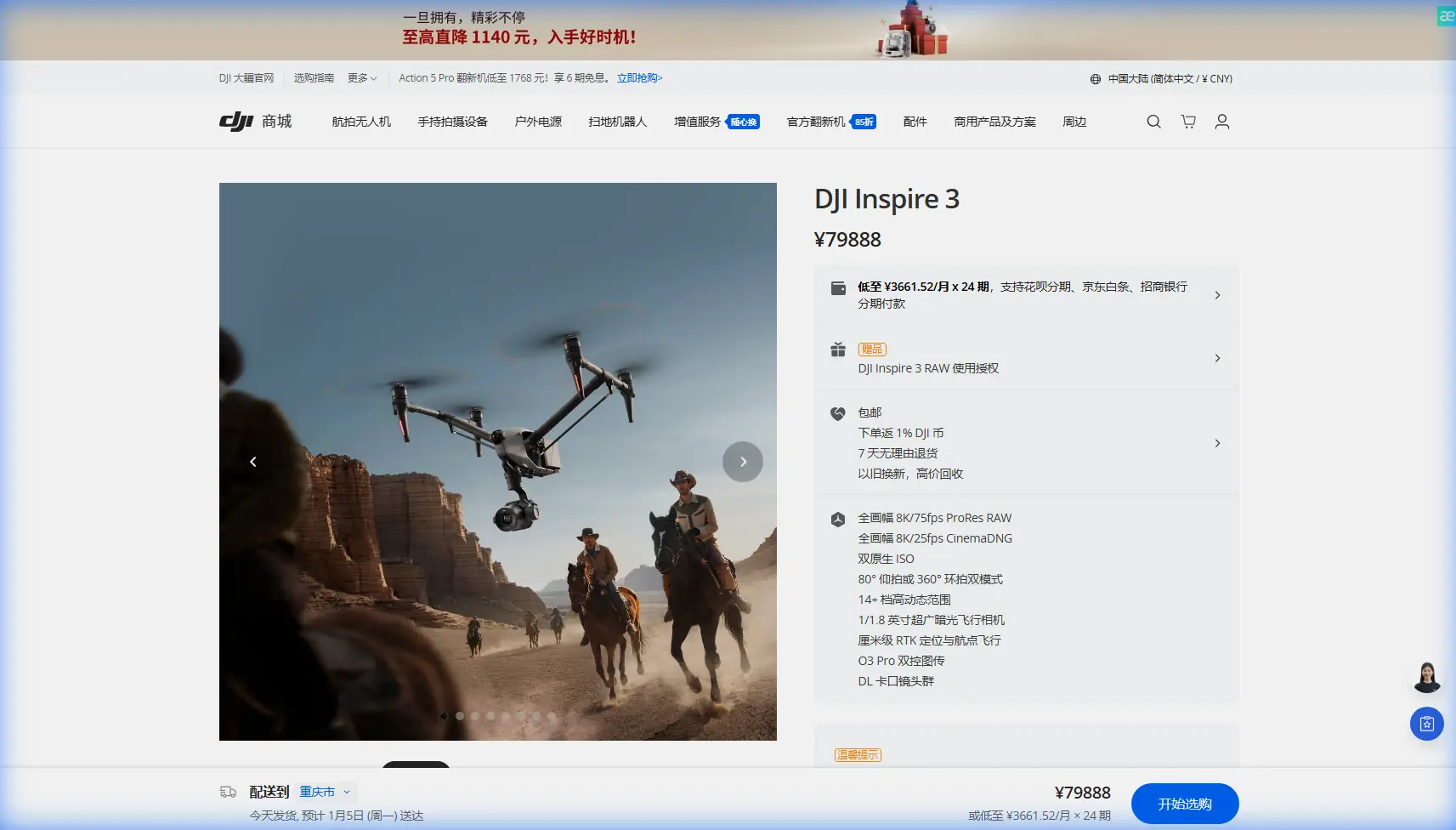
How I’d Track a Construction Site in Extreme Temperatures With Inspire 3
META: Expert tutorial on using Inspire 3 for construction site tracking in extreme temperatures, with practical advice on stability, antenna positioning, repeatable flight data, and operational tuning.
Construction progress tracking sounds simple until heat shimmer, cold-soaked batteries, reflective steel, dust, and long stand-off distances start working against you. That is where the Inspire 3 earns its place. Not because it magically removes field problems, but because it gives you enough control, stability, and transmission confidence to build a repeatable workflow when conditions are ugly.
If I were setting up an Inspire 3 program for construction monitoring in extreme temperatures, I would think about three things first: consistency, hover discipline, and signal discipline. Those are the difference between footage that looks impressive once and data you can actually compare week after week.
This tutorial is built around that premise. It also draws on a couple of technical reference points that matter more than most operators realize: controlled motor response behavior during startup and throttle changes, and the way loiter-style position hold parameters limit tilt correction while trying to maintain a fixed point. Those may sound like autopilot or ESC-level details from another era, but the operational lessons still map directly to how you fly a modern production platform like Inspire 3 on a demanding jobsite.
Why construction tracking in extreme temperatures is harder than it looks
A construction site is not a clean survey environment. It changes every day. Rebar cages appear where open ground existed last week. Concrete decks create heat plumes. Cranes, site trailers, temporary fencing, and stacked materials all interfere with line of sight. In winter, battery chemistry and sensor warm-up become part of the preflight routine. In high summer, propulsive efficiency, pilot comfort, and horizon clarity degrade over the course of a single mission.
For Inspire 3 operators, the challenge is not just “get the shot.” It is maintaining a reliable visual record for stakeholders who want to compare measurable progress across time. That means your camera path, altitude, angle, hold accuracy, and timing all need to be repeatable enough for photogrammetry review, management presentations, dispute documentation, and contractor coordination.
This is where operational discipline matters more than marketing specs.
Start with repeatability, not creativity
The biggest mistake I see on construction projects is treating every flight as a fresh creative mission. For progress tracking, creative variation usually lowers the value of the archive. Your first priority should be a documented mission structure:
- fixed launch and recovery zone
- fixed time windows when possible
- fixed waypoint or orbit geometry
- fixed lens and framing choices for key views
- fixed altitude bands for overview and detail passes
- fixed GCP strategy if mapping outputs are part of the deliverable
If you are using Inspire 3 to support photogrammetry, site visuals, and executive updates in one operation, separate those mission types. Do not improvise between them. A mapping run has different tolerances than a cinematic progress reel. Mixing them often compromises both.
The hidden lesson from motor startup behavior
One of the reference documents describes direct startup using back EMF detection from the start, with startup power limited to a maximum level. It also warns that excessive startup power can overburden the ESC or motor. That sounds very low-level, but the field lesson is straightforward: abrupt power behavior is the enemy of controlled data capture.
The same document notes that a default setting of 255 allows motor power to change from zero to full power instantly. It also gives a practical rate example: at a 400 Hz input rate and a throttle change rate setting of 2, motor power can change 2 steps every 2 input pulses. That is an old-school way of explaining response shaping, but it points to something relevant on Inspire 3 missions in extreme conditions: smooth thrust transitions matter.
Why? Because on a construction site, especially in thermal extremes, abrupt corrections tend to stack problems:
- sudden altitude corrections worsen image inconsistency
- aggressive pitch changes distort repeatable framing
- fast thrust spikes can amplify the visible effect of wind shear near structures
- rapid control inputs increase pilot-induced variation between missions
Even though Inspire 3 abstracts most of this away for the operator, the principle remains. Fly it as if the platform rewards measured inputs, because it does. In practical terms:
- Avoid punching out of hover unless safety requires it.
- Build gradual climb and descent segments into your route.
- Use slower, deliberate transitions at the start of each capture leg.
- Let the aircraft settle before recording a reference shot.
On hot days, this becomes even more important because rising air over concrete slabs and steel members can create uneven lift and small positional disturbances. In cold weather, overcorrection can creep in when pilots react to “stiffer-feeling” control response or battery performance anxiety. The fix in both cases is the same: smoother control language.
Hover discipline is your data quality insurance
The second reference set is centered on loiter tuning. It lists values such as LOITER_LAT_I 0.5, LOITER_LAT_IMAX 400, LOITER_LAT_P 1, and the corresponding longitude values, with the IMAX field limiting the maximum tilt angle used to correct position error. That matters operationally because any aircraft trying to hold station in wind or turbulence is balancing two goals at once: stay in place, and avoid excessive attitude changes.
For construction tracking, that balance is critical.
A position-hold system that is too loose gives you drift. A system that corrects too aggressively can generate visible tilt, framing inconsistency, and unstable camera motion. The reference value of 400 centi-degrees as a limit on corrective tilt is a useful reminder that hold performance is never just about GPS lock. It is about how much the aircraft is allowed to lean to maintain position.
Translating that lesson to Inspire 3 work:
- when shooting fixed comparison frames, pick locations with clean air and minimal rotor wash recirculation
- avoid hovering close to large vertical surfaces that reflect turbulence back into the aircraft
- maintain enough stand-off distance from structural steel and cranes to reduce magnetic and airflow complications
- do not judge hold quality only by what the map says; judge it by whether your framing remains consistent over 10 to 20 seconds
That last point is more valuable than many operators appreciate. A drone can look “stable enough” in casual flying but still produce comparison imagery that drifts just enough to complicate monthly progress review. If you are tasked with showing the exact state of a retaining wall, roof membrane, or tower crane base over time, tiny differences become big headaches later.
Antenna positioning advice for maximum range on large jobsites
This deserves its own section because poor antenna handling wastes the transmission advantages of O3 faster than almost anything else.
On a construction site, maximum practical range is rarely about headline distance. It is about preserving a clean, dependable control and video link behind changing obstacles. Site steel, concrete cores, machinery, and temporary structures all degrade signal geometry. If you are working across a broad footprint, antenna positioning becomes a daily skill, not a background detail.
My rule set is simple:
1. Keep the controller broadside to the aircraft, not pointed like a flashlight
Most modern controller antennas radiate best off their sides, not their tips. Pilots often instinctively point antennas directly at the drone. That can reduce link quality instead of improving it.
2. Raise your body position and controller height when the site is cluttered
Standing on a slight rise, vehicle tailgate, or designated safe elevated point can dramatically improve line of sight across site offices, stacked materials, and parked equipment. Small elevation gains matter.
3. Do not let your own vehicle become a signal blocker
A lot of range complaints begin with the pilot standing behind a truck or next to a steel container. Move away from reflective and blocking surfaces before assuming the site is the problem.
4. Reposition early, not after warnings start
On very large projects, especially linear developments or multi-building campuses, it is smarter to relocate your takeoff point or pilot position halfway through the mission than to force the final leg through worsening geometry.
5. Respect the site’s changing RF environment
Today’s clear route can be tomorrow’s dead zone once a crane swings into position or modular units are dropped. Reassess often.
If you need help building a site-specific operating checklist, I usually recommend drafting one around actual terrain, structures, and handoff points rather than generic range assumptions; the fastest way to compare workflows is to message me here: https://wa.me/85255379740
Extreme temperature workflow: what changes in the field
In hot conditions
High surface temperatures create shimmer and convective instability. The operational response is not just “fly earlier,” though that often helps. You also want:
- shorter capture windows for your most critical stills and mapping lines
- more hover settling time before each reference frame
- closer review of props and motor condition after dusty operations
- a stricter battery rotation plan using hot-swap batteries efficiently, rather than pushing “one more leg” on a heat-soaked set
Thermal signature work adds another layer. If the construction brief includes roof inspections, building envelope review, or heat-leak checks during commissioning phases, your visible-light progress mission and thermal mission should be treated as separate tasks. Different times of day produce different thermal meaning. Don’t bury that distinction in a generic “site update” flight.
In cold conditions
Cold weather often improves visual clarity but punishes preparation errors. You need deliberate battery management, warm-up discipline, and a launch plan that reduces idle exposure before takeoff. The aircraft may fly well, but your margins narrow if you rush.
I also advise using a shorter first hold at mission start. Let the aircraft prove its stability, confirm telemetry behavior, and then begin the route. If there is any anomaly, you want it discovered over your takeoff zone, not over a congested phase of the project.
Camera mount limits matter more than people think
The reference data also lists mount angle boundaries such as MNT_ANGMAX_PAN 4500, MNT_ANGMAX_ROL 4500, and MNT_ANGMAX_TIL 4500, with corresponding minimum values at -4500. The exact parameter context belongs to another ecosystem, but the operational lesson carries over cleanly: define camera movement limits with intent.
On Inspire 3, construction operators should decide in advance what camera behavior is allowed for each mission type. That matters because excessive pan, tilt, or roll variation undermines comparison value. If one weekly pass includes dramatic camera offsets and the next is level and neutral, your archive becomes harder to interpret.
For progress tracking, I prefer:
- one locked set of reference angles for recurring viewpoints
- one limited range for oblique reveals
- one separate profile for cinematic capture if needed
That separation keeps your footage useful to both project managers and marketing teams without letting one goal contaminate the other.
Where AES-256, O3 transmission, and BVLOS planning fit in
These are not buzzwords on a construction project. They affect operational confidence.
- O3 transmission matters because large sites often require long stand-off viewpoints and stable high-quality monitoring around obstacles.
- AES-256 matters when your footage includes sensitive infrastructure details, proprietary construction methods, or access-controlled areas.
- BVLOS matters less as a talking point and more as a planning boundary. If a project footprint tempts teams to exceed normal visual practices, that is a cue to redesign the mission, reposition the pilot, or structure compliant operational support rather than stretching assumptions.
For most site tracking work, disciplined VLOS operations with smart pilot placement solve the problem before it becomes a regulatory one.
My recommended Inspire 3 construction tracking template
If I were handing this to a new site team, the baseline routine would look like this:
- Pre-brief the route against current site changes.
- Check antenna geometry from the intended pilot position before launch.
- Confirm battery temperature readiness and sequence your hot-swap plan.
- Fly overview passes first while atmospheric conditions are best.
- Capture fixed reference hovers with a deliberate settle period.
- Run photogrammetry segments separately if mapping output is required.
- Log anomalies immediately: wind corridors, signal dips, drift zones, crane interference.
- Review comparison frames on-site before leaving.
That final step saves entire return trips.
The real objective: a site record you can trust
The Inspire 3 is at its best on construction work when the operator treats it as a precision documentation platform first and a spectacle machine second. The references behind this article point to a deeper truth: stable results come from controlled correction, bounded behavior, and predictable response. Whether the detail is a throttle change rate, a maximum tilt correction of 400 centi-degrees, or a camera mount angle limit of 4500, the message is the same. Good aerial tracking is engineered.
That is especially true in extreme temperatures, where small inconsistencies become large data problems over time.
If your goal is reliable site intelligence rather than one-off visuals, fly smoother, standardize more, and pay attention to link geometry as seriously as lens choice. The teams that do that end up with footage and data that decision-makers actually use.
Ready for your own Inspire 3? Contact our team for expert consultation.