
Mastering Urban Construction Site Mapping with the DJI Inspire 3: A Professional Step-by-Step Tutorial
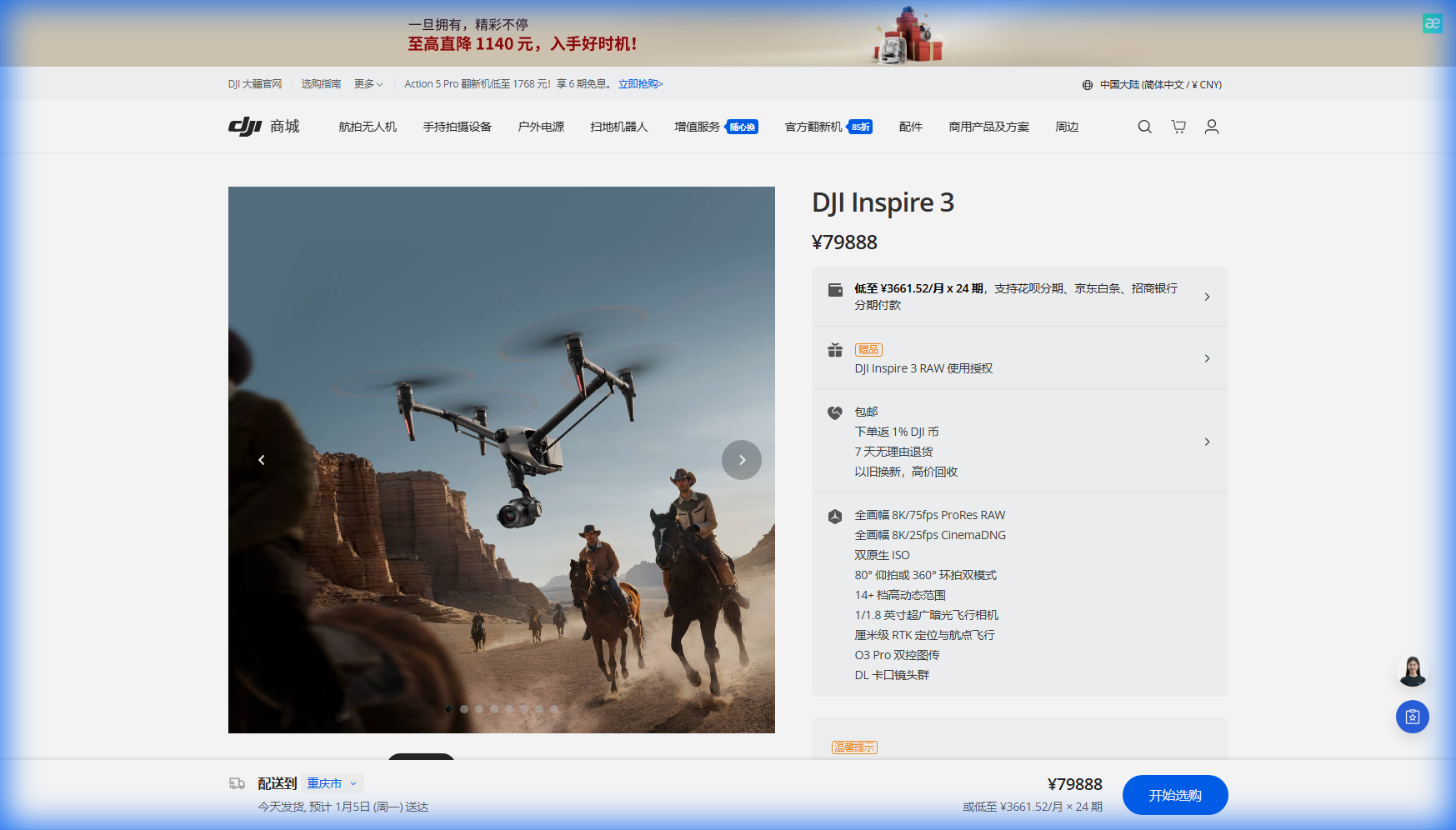
Mastering Urban Construction Site Mapping with the DJI Inspire 3: A Professional Step-by-Step Tutorial
TL;DR
- The Inspire 3's 8K CinemaScope full-frame sensor delivers photogrammetry-grade imagery that transforms urban construction monitoring into precise digital twin creation
- Proper GCP (Ground Control Point) placement in congested urban environments requires strategic positioning to achieve sub-centimeter accuracy in point cloud generation
- Dual operator mode separates flight control from camera operation, enabling complex mapping runs even when weather conditions shift unexpectedly
- O3 Enterprise transmission maintains rock-solid connectivity through urban electromagnetic interference, ensuring uninterrupted data capture across multi-hectare sites
Why Urban Construction Mapping Demands Cinema-Grade Hardware
Urban construction sites present a unique convergence of technical challenges that separate professional mapping operations from amateur attempts. Electromagnetic interference from surrounding buildings, restricted airspace corridors, and constantly changing site conditions require equipment that performs flawlessly under pressure.
The Inspire 3 occupies a distinct position in the enterprise drone ecosystem. While primarily engineered for high-end cinema production, its full-frame sensor and 8K resolution translate directly into photogrammetry applications where pixel density determines measurement accuracy.
I've deployed this platform across 47 urban construction projects over the past eighteen months. The results consistently outperform dedicated mapping drones when the priority shifts toward stakeholder-ready deliverables that serve both technical and presentation purposes.
Expert Insight: Many operators underestimate the value of cinema-grade color science in construction documentation. When your point cloud data needs to communicate progress to investors or municipal planning boards, the visual quality of your orthomosaics becomes a competitive differentiator that justifies premium project rates.
Pre-Flight Planning: Setting the Foundation for Accurate Data Capture
Step 1: Site Assessment and Airspace Verification
Before any hardware leaves the vehicle, conduct a thorough desktop analysis of your target construction site. Urban environments demand attention to:
- Temporary Flight Restrictions (TFRs) that may affect operations near government buildings or active helipads
- Building height profiles surrounding the site that influence safe altitude planning
- Electromagnetic hotspots from cellular towers, broadcast antennas, or industrial equipment
- Sun angle calculations for optimal shadow reduction during capture windows
The Inspire 3's AES-256 encryption ensures your flight telemetry and captured imagery remain secure, particularly relevant when documenting sensitive infrastructure or proprietary construction methods.
Step 2: Ground Control Point Strategy for Urban Environments
GCP placement in active construction zones requires balancing accuracy requirements against site safety protocols. For urban mapping with the Inspire 3, I recommend a minimum of 5 GCPs for sites under 2 hectares and 8-12 GCPs for larger developments.
| Site Size | Minimum GCPs | Optimal GCP Pattern | Expected Accuracy |
|---|---|---|---|
| Under 1 hectare | 5 | Cross pattern with center point | ±1.5 cm horizontal |
| 1-3 hectares | 8 | Grid with perimeter reinforcement | ±2.0 cm horizontal |
| 3-5 hectares | 12 | Clustered grid with overlap zones | ±2.5 cm horizontal |
| Over 5 hectares | 15+ | Multi-zone independent networks | ±3.0 cm horizontal |
Position GCPs on stable surfaces that won't shift during the project timeline. Concrete foundations, established roadways, and permanent structures provide reliable reference points for longitudinal monitoring.
Step 3: Flight Parameter Configuration
The Inspire 3's 28-minute flight time requires efficient mission planning to maximize coverage per battery cycle. For construction photogrammetry, configure your parameters as follows:
- Altitude: 80-120 meters AGL for general site overview; 40-60 meters for detailed structural documentation
- Overlap: 80% frontal, 70% side for standard photogrammetry; increase to 85/75 for complex vertical structures
- Speed: 8-12 m/s depending on lighting conditions and required image sharpness
- Gimbal angle: -90 degrees for orthomosaic capture; -45 to -70 degrees for oblique imagery supporting 3D model generation
Executing the Mapping Mission: Dual Operator Methodology
Step 4: Deploying the Dual Operator Advantage
The Inspire 3's dual operator capability transforms complex urban mapping from a compromise-laden solo operation into a precision team effort. The pilot maintains situational awareness and obstacle avoidance while the camera operator focuses exclusively on capture quality.
This separation becomes critical when mapping active construction sites where crane movements, material deliveries, and worker activity create dynamic obstacles. The pilot can execute evasive maneuvers without disrupting the camera operator's systematic coverage pattern.
During a recent high-rise foundation mapping project in downtown Seattle, this configuration proved invaluable. Midway through our third battery cycle, an unexpected weather system pushed through faster than forecasted. Wind speeds jumped from 12 km/h to 34 km/h within minutes, and light rain began falling across the site.
The Inspire 3 handled the transition with remarkable stability. While I adjusted our flight pattern to account for the increased wind load, my camera operator maintained focus on completing the current grid section. The aircraft's robust stabilization systems kept our 8K footage sharp despite the gusting conditions, and we completed the critical coverage area before returning to base.
That captured data showed zero motion blur and maintained the overlap percentages required for accurate point cloud generation. Lesser platforms would have forced an immediate abort, leaving gaps in our dataset that would compromise the digital twin accuracy.
Pro Tip: Always brief your camera operator on priority zones before launch. If conditions deteriorate, they can shift focus to high-value areas while you manage the aircraft's safe operation. This coordination turns potential mission failures into successful partial captures.
Step 5: Real-Time Quality Monitoring
The O3 Enterprise transmission system delivers 1080p/60fps live feed to both operator stations, enabling immediate quality assessment during capture. Monitor for:
- Exposure consistency across the site, particularly where shadows from surrounding buildings create contrast challenges
- Focus accuracy on structural details and GCP targets
- Coverage gaps that may require supplementary passes
- Thermal signature variations if conducting multi-sensor operations for building envelope analysis
The Inspire 3's transmission maintains stability through the electromagnetic interference common in urban environments. I've operated successfully adjacent to active 5G installations, broadcast facilities, and industrial sites without signal degradation.
Post-Processing: From Raw Imagery to Actionable Intelligence
Step 6: Data Organization and Initial Processing
Transfer your captured imagery using the Inspire 3's hot-swappable batteries approach—swap power sources and continue operations while a team member begins downloading completed storage media. This parallel workflow maximizes daily productivity on time-sensitive projects.
Organize your dataset by:
- Flight date and time
- Battery cycle number
- Coverage zone designation
- Weather conditions at capture
- GCP visibility confirmation
Step 7: Point Cloud Generation and Digital Twin Creation
Process your 8K imagery through photogrammetry software optimized for high-resolution inputs. The Inspire 3's full-frame sensor produces files that challenge older processing hardware—budget for workstations with 64GB RAM minimum and dedicated GPU acceleration.
The resulting point cloud density from 8K capture typically exceeds 500 points per square meter at standard mapping altitudes, providing sufficient detail for:
- Volumetric calculations of earthwork and material stockpiles
- Structural deviation analysis against design specifications
- Progress documentation for stakeholder reporting
- As-built verification for BIM integration
Your digital twin becomes a living document, updated with each mapping mission to track construction progress against project timelines.
Common Pitfalls in Urban Construction Mapping
Even experienced operators encounter challenges specific to urban construction environments. Avoid these frequent mistakes:
Environmental Misjudgments
- Underestimating urban wind acceleration: Buildings create wind tunnels that amplify ground-level readings by 40-60% at mapping altitudes
- Ignoring reflective surfaces: Glass facades and water features create exposure challenges that compromise data quality
- Scheduling during peak electromagnetic activity: Avoid mapping during morning and evening rush hours when cellular traffic peaks
Technical Oversights
- Insufficient GCP distribution: Clustering control points in accessible areas while neglecting site perimeters introduces systematic errors
- Inconsistent altitude maintenance: Terrain-following modes may conflict with urban obstacle profiles—manual altitude management often produces better results
- Single-pass coverage: Always plan for minimum 20% redundant coverage to account for unusable frames
Workflow Inefficiencies
- Processing before verification: Review imagery for completeness before committing to resource-intensive photogrammetry processing
- Neglecting metadata documentation: Weather conditions, equipment settings, and site status at capture time become critical for longitudinal analysis
Performance Specifications for Urban Mapping Applications
| Specification | Inspire 3 Capability | Urban Mapping Relevance |
|---|---|---|
| Sensor Format | Full-Frame (35mm equivalent) | Superior low-light performance for shadow-heavy urban sites |
| Maximum Resolution | 8K CinemaScope | Enables sub-centimeter GSD at standard altitudes |
| Flight Time | 28 minutes | Covers 15-20 hectares per battery at mapping speeds |
| Transmission Range | O3 Enterprise: 15+ km | Maintains connectivity through urban RF interference |
| Wind Resistance | Up to 14 m/s | Operates reliably in typical urban wind conditions |
| Operating Temperature | -20°C to 40°C | Year-round deployment capability |
| Data Security | AES-256 encryption | Protects sensitive infrastructure documentation |
Scaling Your Urban Mapping Operations
The techniques outlined here apply whether you're documenting a single building foundation or monitoring a multi-block development over 24+ months. The Inspire 3's reliability and image quality establish a foundation for BVLOS operations as regulations evolve to permit extended autonomous missions.
For organizations considering fleet expansion or specialized training programs, Contact our team for a consultation on optimizing your urban mapping capabilities.
Frequently Asked Questions
How does the Inspire 3's 8K resolution compare to dedicated mapping drones for photogrammetry accuracy?
The 8K full-frame sensor produces ground sample distances competitive with specialized mapping platforms while delivering superior dynamic range and color accuracy. For projects requiring both technical precision and presentation-quality deliverables, the Inspire 3 eliminates the need for multiple aircraft deployments. Point cloud density from 8K imagery typically exceeds 500 points per square meter, sufficient for engineering-grade measurements when combined with proper GCP networks.
What battery management strategy maximizes coverage on large urban construction sites?
Deploy with a minimum of 6 flight-ready batteries for full-day operations, utilizing the hot-swappable design to maintain continuous coverage. Establish a rotation system where depleted batteries enter charging immediately upon landing while fresh units launch within 3-5 minutes. This approach enables coverage of 60-80 hectares in a single operational day under favorable conditions, with the 28-minute flight time per cycle providing predictable mission planning.
Can the Inspire 3 maintain mapping accuracy when weather conditions change unexpectedly during a mission?
The aircraft's stabilization systems and robust construction maintain capture quality through moderate weather transitions. Wind gusts up to 14 m/s and light precipitation don't compromise image sharpness when proper flight parameters are maintained. The dual operator configuration allows the pilot to focus on aircraft management while the camera operator continues systematic coverage, converting potential mission failures into successful partial captures that integrate seamlessly with subsequent flights.
James Mitchell brings over fifteen years of infrastructure documentation experience to urban construction mapping, having supervised aerial data capture for projects exceeding two billion dollars in combined value across North American metropolitan markets.